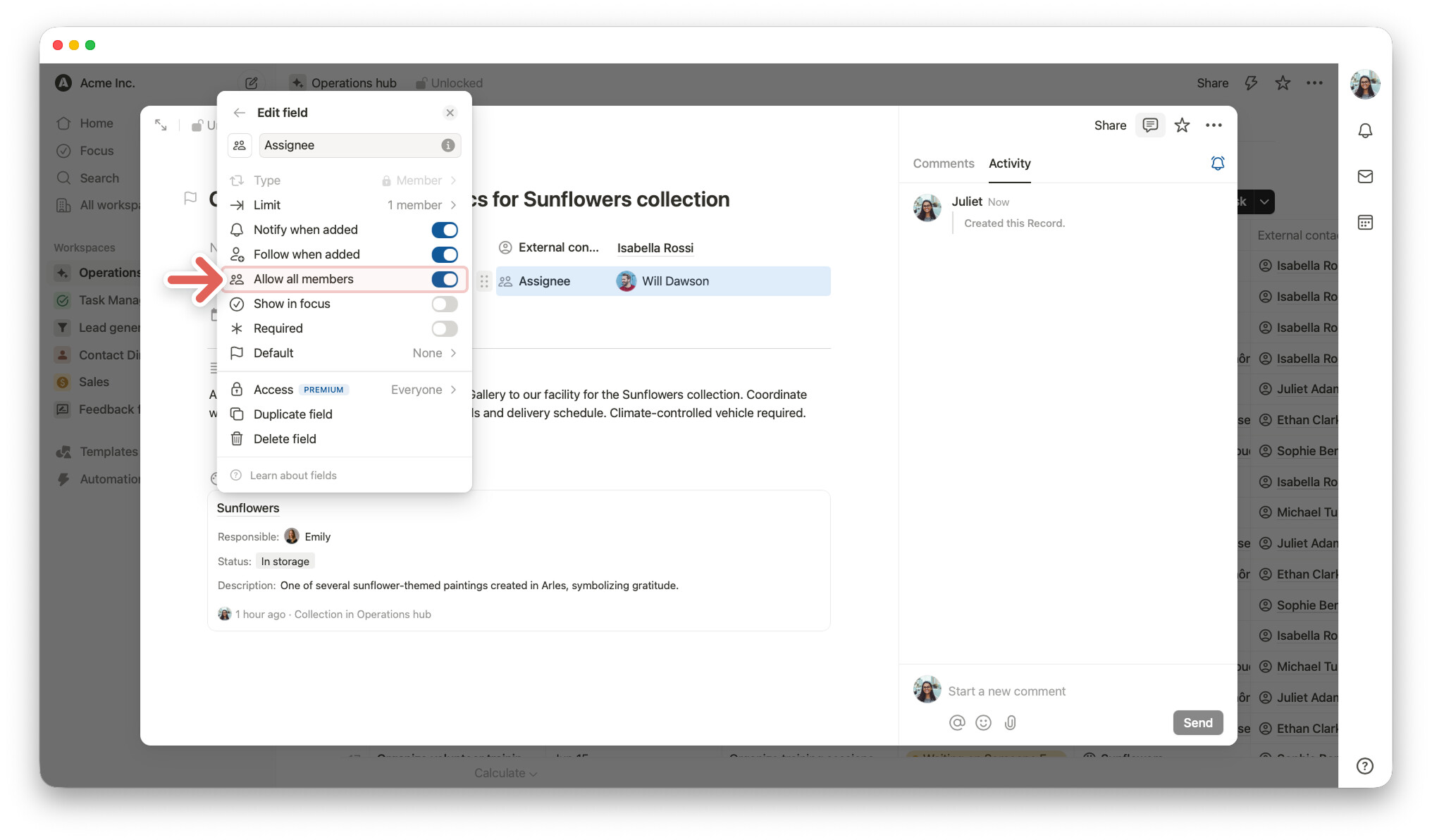
We’ve added a new option for member fields.
You can now allow members from the entire organization to be selected in a member field, not only members of the current workspace.
This is useful when your database is used in one workspace, but you need to assign or mention people from other workspaces in the same organization.
To enable this:
- Unlock record.
- Hover over the member field.
- Open the
⋮⋮menu in the left margin. - Select
Edit field. - Turn on
Allow all members.
Note: To make “Allow all members” especially useful, we’ve also released database record-level access. This allows added members to actually get access to the record when needed, instead of only being listed in the member field. Without database record-level access, they may only be listed in the member field, but they won’t be notified, and they may not be able to open the record.
Happy building!