Hi @Konny,
Thanks so much for your questions and the detailed screenshots! And thank you, @CarsonRedCliffLabs, for jumping in with the explanation and video. No silly questions here 
On your first question about the icons:
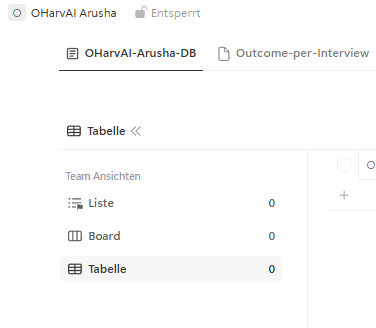
As Carson explained, these are default icons. To clarify the difference: the empty page is the default icon for a database app, while the page with lines is the default icon for a record. They’re shown until you choose your own icons. The icons themselves don’t affect what you can do with the app or its data.
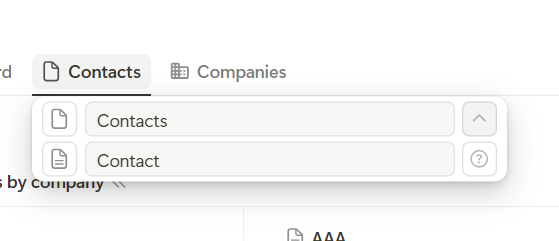
You can choose different icons for the app itself and its records. When you set an app icon, we also apply it to the records by default, but you can change them separately.
On your second question about grouping:
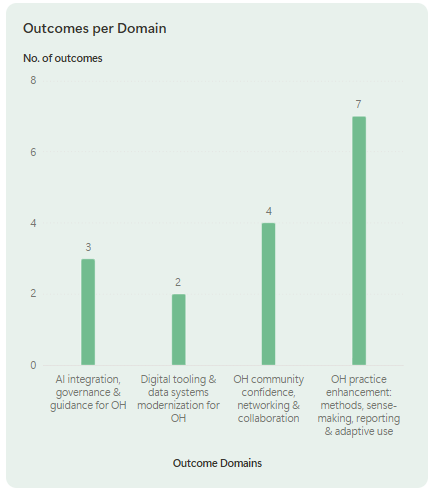
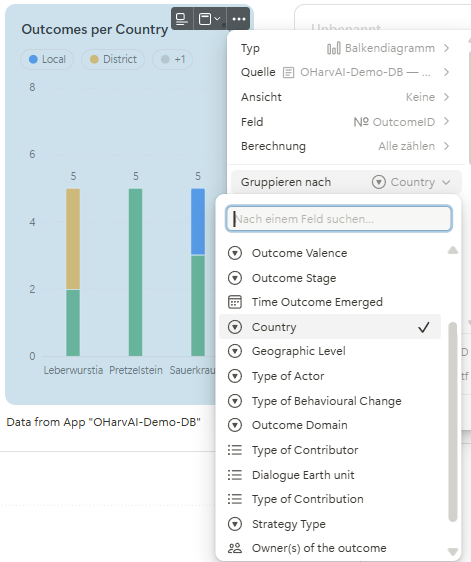
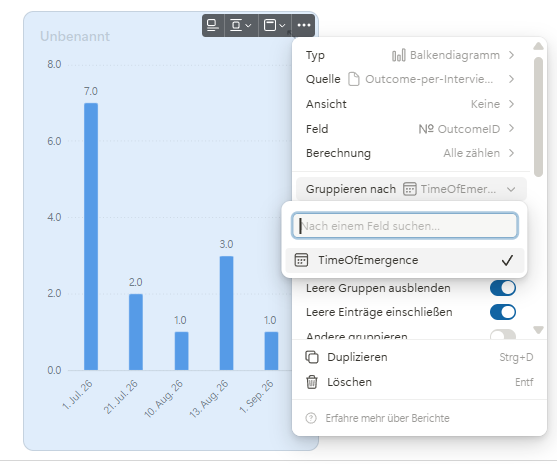
Your screenshots give us a good clue! In your first app, Country appears to be a select field, which makes it available for grouping. In Outcome per Interview, only the date field appears in the grouping options. This suggests that Country either isn’t available in that app or uses a field type that isn’t supported for grouping.
Reports currently support grouping by single-select, multi-select, status, date, relation and member fields. A country name stored in a text field, for example, won’t appear in the grouping options.
The important point is that the field you group by needs to be available in the app selected as the report’s source. The report counts records from that app, so it also needs the grouping information for those records. It cannot automatically use a Country field from another app, where the records and their counts may be different.
To use that country information in your Outcome per Interview report, you could add a Country select field to that app and use an automation to keep it in sync with the corresponding information in your other app.
However, if Country already exists as a select field in Outcome per Interview and still doesn’t appear, that could indeed be a bug. Reports have been out of beta for a while and are used by many teams, but of course, unexpected issues can still happen. In that case, please share screenshots of the fields in that app, especially the Country field and its field type, and we’ll take a closer look together.
I hope this helps make things a little clearer! And your automation setup sounds really cool, let’s get the reporting part working for you too.
All the best,
Leo
 - but I now fail to visualise the results because I (and Claude) don’t know our way around Tape! So glad there is a community to ask (who needs AI : )))