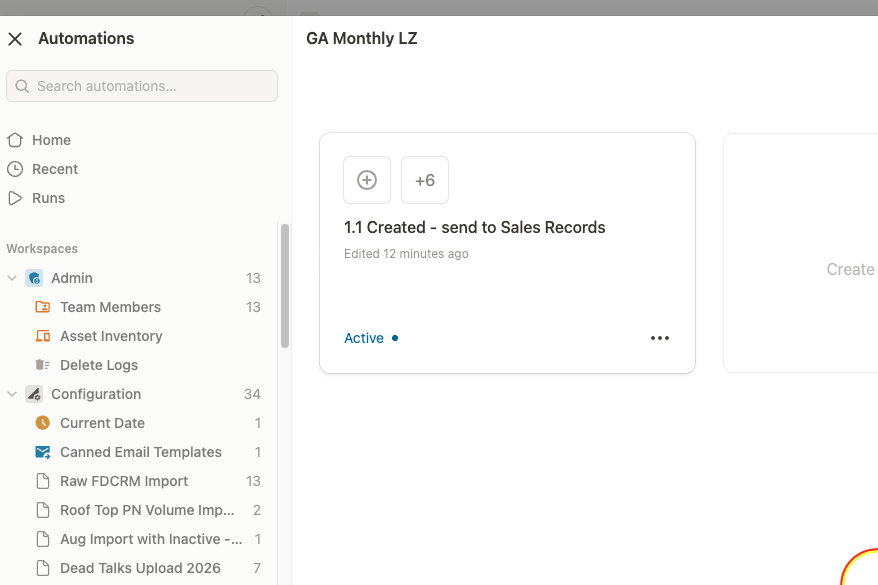
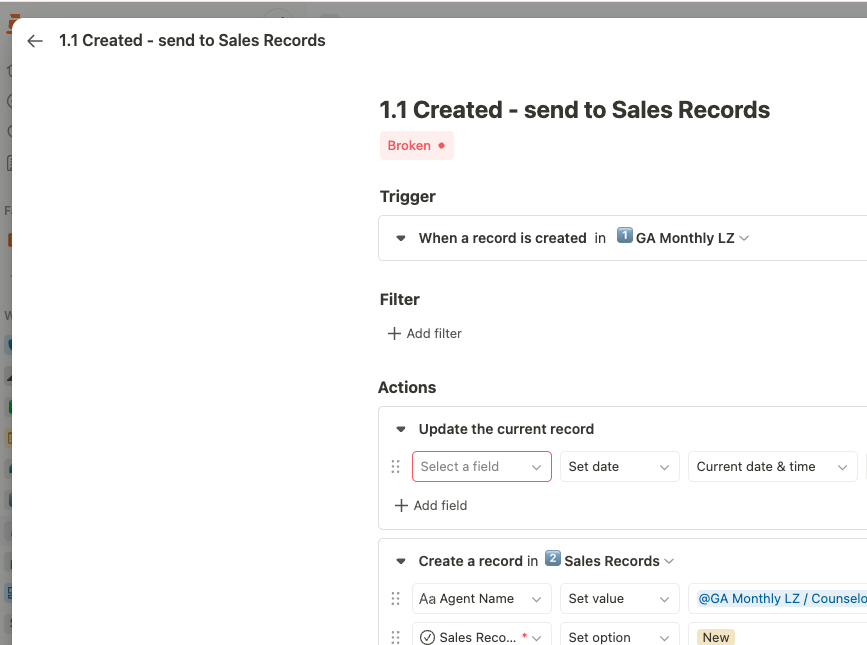
When viewing automations in the automation list view, broken automations sometimes appear with an “Active” status indicator. However, when you click to open the automation details, the system correctly identifies and displays the automation as “Broken.” This creates a misleading first impression and makes it difficult to quickly identify which automations need attention without opening each one individually.