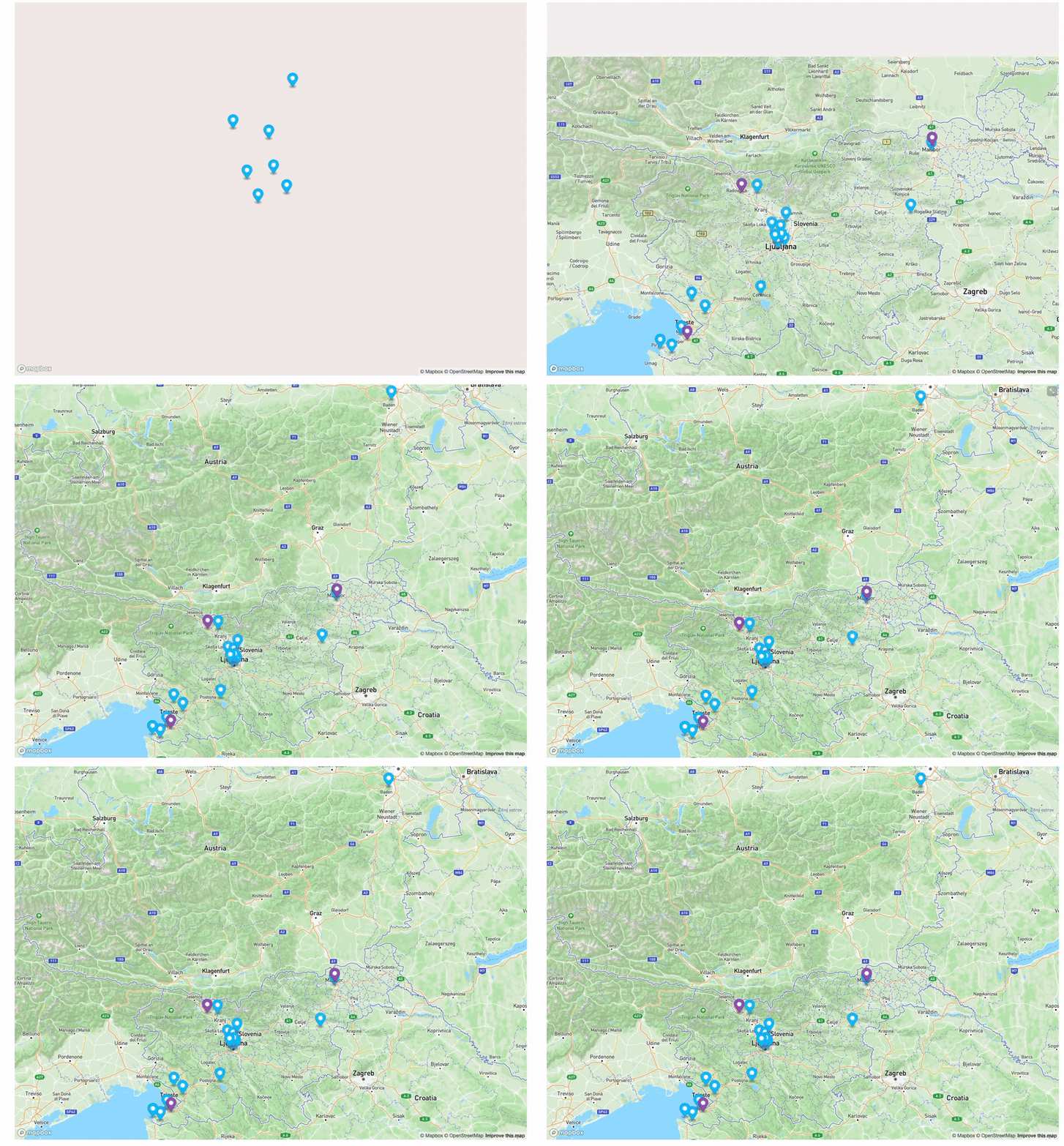
We needed a system that could reliably connect project status, location data, and scheduling — without manual syncing
Each project contains:
• Project ID
• Client / Site Name
• Location (geo coordinates / address)
• Installation Date (planned / actual)
• Current Status
Our setup consists of three main layers:
- Data Layer (Tape) Stores project metadata, statuses, and locations.
- Mapping Layer (Mapbox) Renders all geo-referenced projects.
- Logic Layer (Custom Code) Syncs, filters, and visualizes data.
Every project is bound to a normalized location field:
• Address → Geocoded
• Stored as coordinates
• Used as primary map reference
This prevents duplicate or ambiguous locations.
On map rendering each marker inherits metadata from the project:
• Status → Color
• Priority → Size
• Deadline → Tooltip
Rendering is updated automatically on state change.
So the end result is a person in office can simply see nice interactive iframe map inside Tape dashboard, list of projects underneath and schedule on field teams based on the size of project and location. At this point, calendar feature inside Tape would be amazing.
Got to say this was one of the most technical project for me and any suggestions to do it better or even more efficient would be welcome. Also huge thanks to @Jason who did most of blueprint on this one.