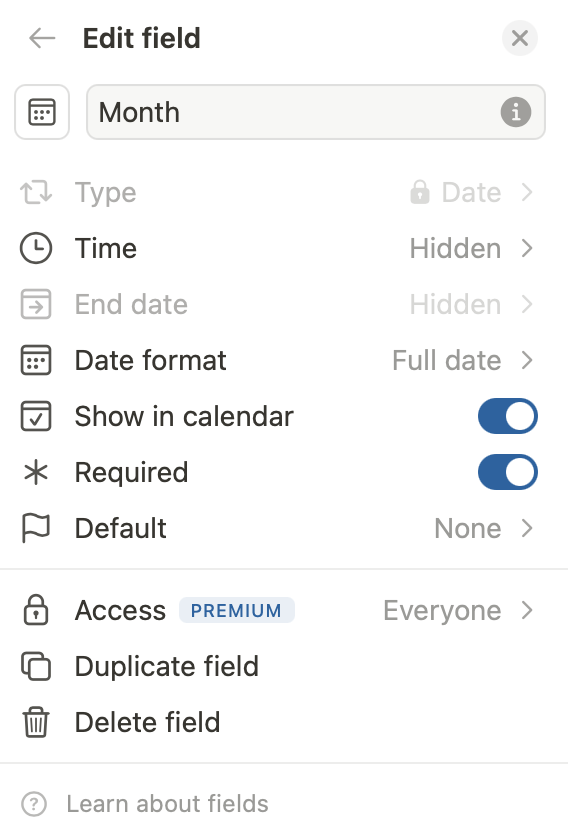
I have a date field. No time, no end date, no default. When I click on it, the calendar appears. The date of today is entered automatically, and the calendar shows today too. Fine so far.
When I click on another day in the calendar, it shows that date in the date field as expected. But… when I leave the field, it is automatically reset to today. The only way to set it to the desired date, is typing it in the date field.
@Erik_Mathlener I have not run into this exact same issue, however I did have something that could be related and might be worth a try for you.
There were several times when I would respond to one of my team members by adding new notes in a text field on a task record. Then I would go click into a date field to bump the task due date out so that they had time to take action on the new details I had just shared. When I clicked away however, the task due date didn’t actually update like I had told it to.
It seemed that this would happen when another field, like a text field on the task record, was actively open when I clicked into the date field.
Something about that must have caused an issue when I finally clicked out and neither of those fields were active anymore. It seemed that the update saving the text field ran separately and also took precedence over what I had tried to change in the date field.
I have since made it my practice to make sure that if I’m updating notes, I click into the gray space somewhere on that page so that that text field is no longer active before clicking into a date field. When doing this, I don’t see that problem surface anymore.
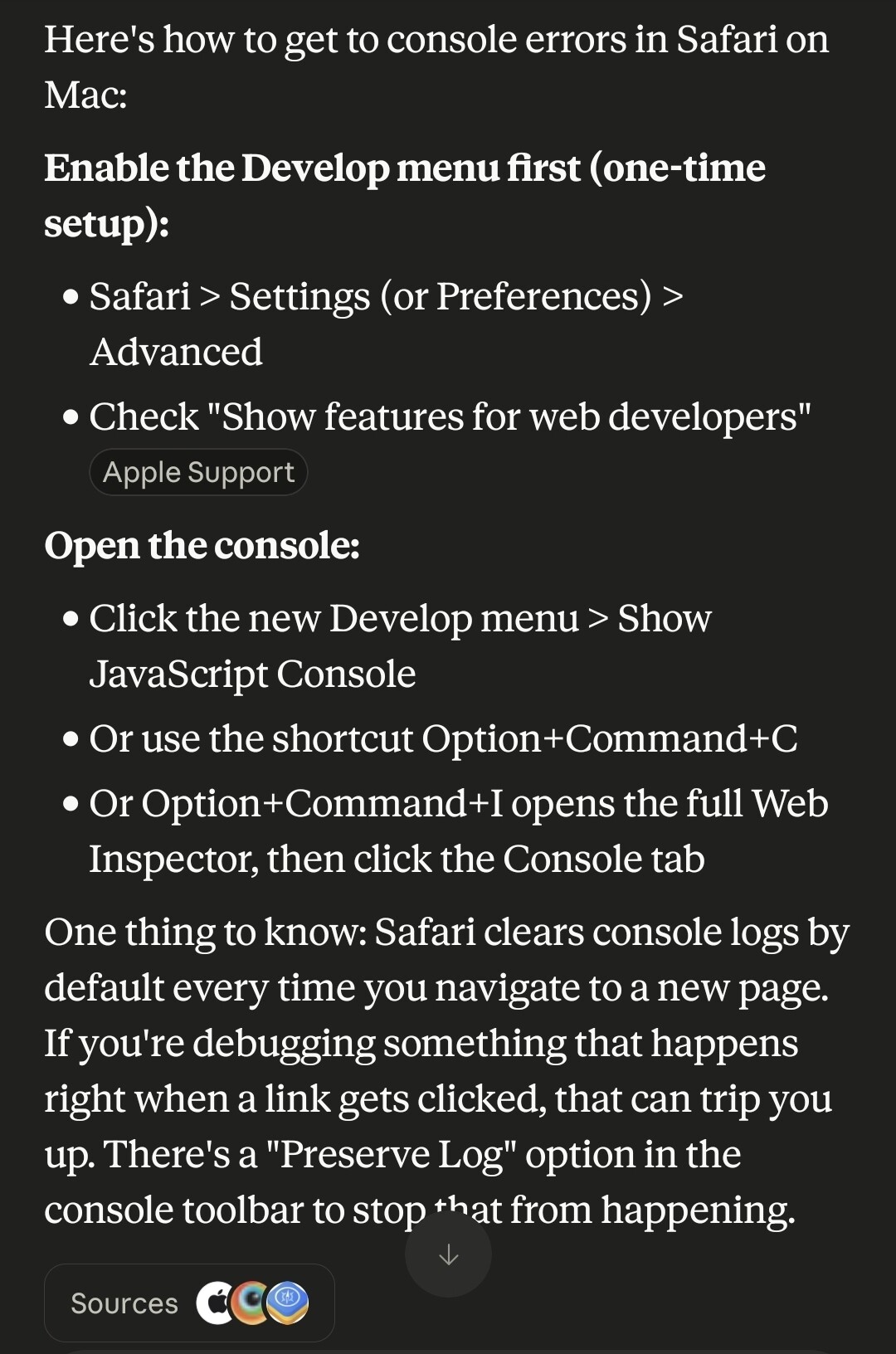
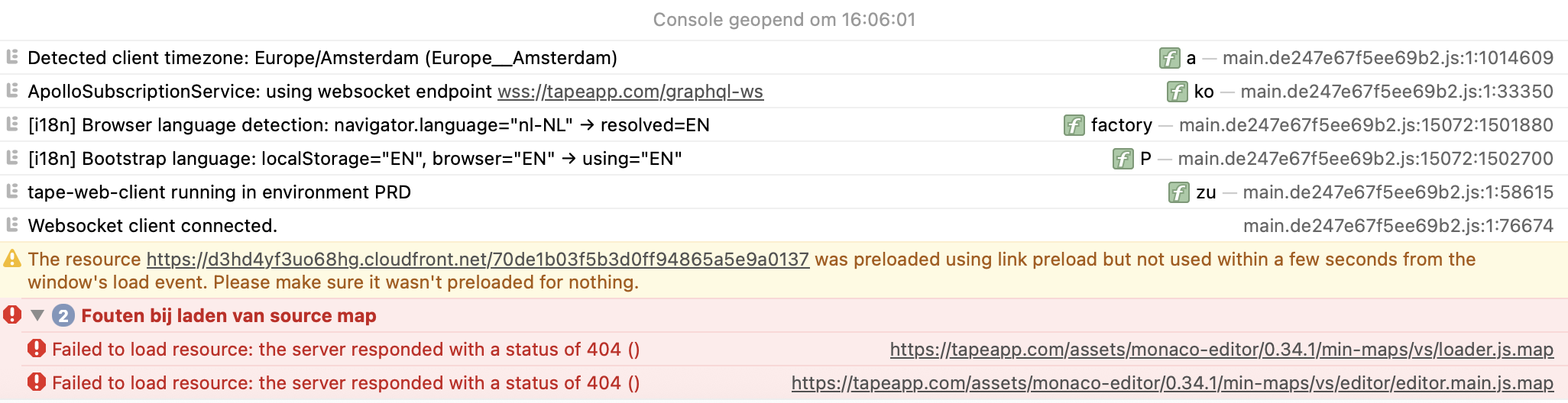
Try to set your date, then open the console logs to look for errors (usually notated in red). If you see any grab a screenshot and share it in the comments here.
Out of curiosity, have you tried using a different browser? Do you get the same error there?
thank you very much for the report and for all the detailed information💯
@1F2Ns, thank you as well for helping verify and document the issue. The additional context, console output, and reproduction details are extremely helpful.
We’ll investigate this in detail and will ideally get back to you directly with a fix. All the information you shared should help us identify and resolve the issue as quickly as possible.
I noticed a difference. If a date has a from ánd a to date, then selecting a date in the calender works as expected.
If a date field is defined with no end date and no time, then it is not possible to adjust the date.
I am working on a Mac in Safari, with just my keyboard and internal touchpad. No external mouse.
Thanks for the update! It’s great that you already have an idea of what might be causing this
I thought this would have been resolved, since we rolled out the fix for the pointer detection issue in quite a few places. Maybe we simply missed this one. I’ll take another look and get back to you.