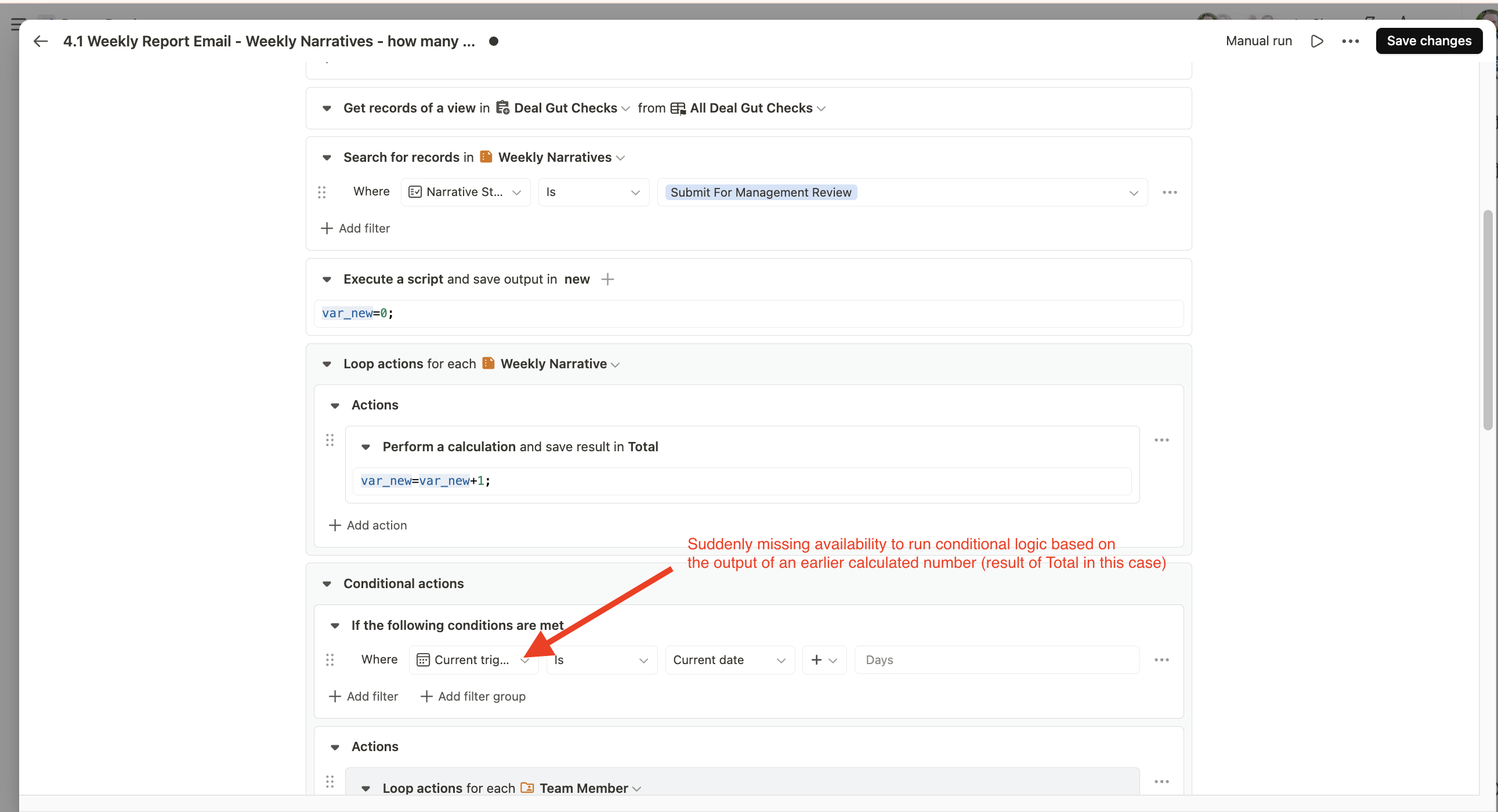
Suddenly there is no ability to use a calculated value as the rule in conditional logic branches. See attached screenshot.
I’m 99% sure we’ve been able to use those values in the past, but can’t make this flow run properly now that it’s not an option.
Our use case is looking up a view, counting how many items were found within a certain status, then sending an email alert out only if that counted result is greater than a set amount.
thanks a lot for reporting this and for the detailed description!
What’s a bit confusing on our side is that we haven’t changed anything in Automations in the last weeks, and we also re-checked the relevant code. There were no recent changes there, which is why we’re surprised that you experienced different behavior before. And thanks a lot @Luis for jumping in and providing a proper workaround here. Much appreciated!
But we’d really like to verify this properly though. Would it be possible for you to give us access to the app or the specific automation? That would help us fully understand the setup and reproduce the issue.
Thank you @Luis for that great workaround suggestion.
And yes @Leo I’ll DM you guys details on the access and automation ID to check it.
There is a chance that I’m mistaken and it’s never been possible…but I really think I’ve created similar flows before that needed this logic and didn’t run into a required workaround. I’ll try to pull one up for reference and DM the details.
Thanks!
@Luis and @Leo - at the risk of looking foolish, I’ll go ahead and resolve this and not waste your time further here.
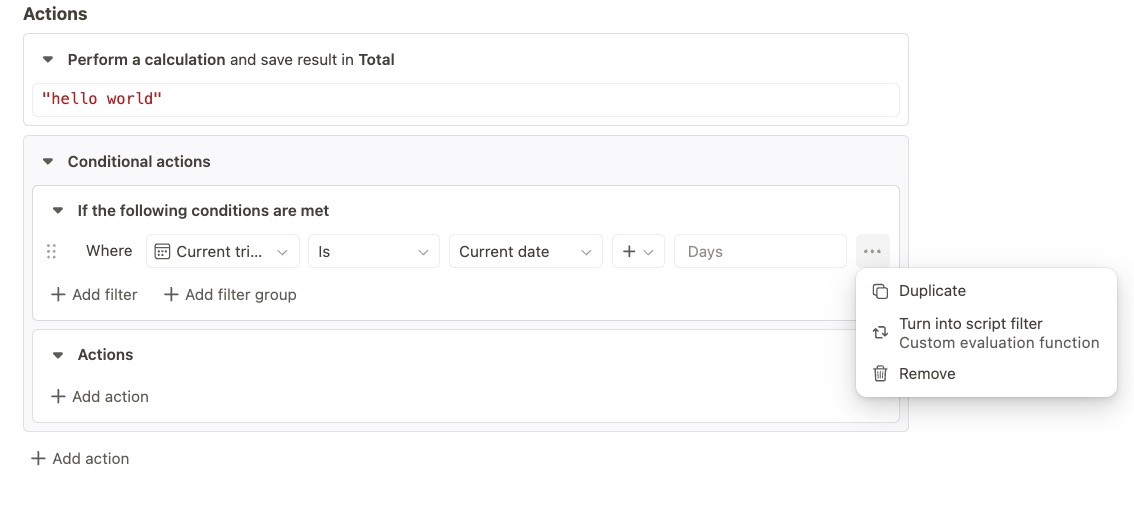
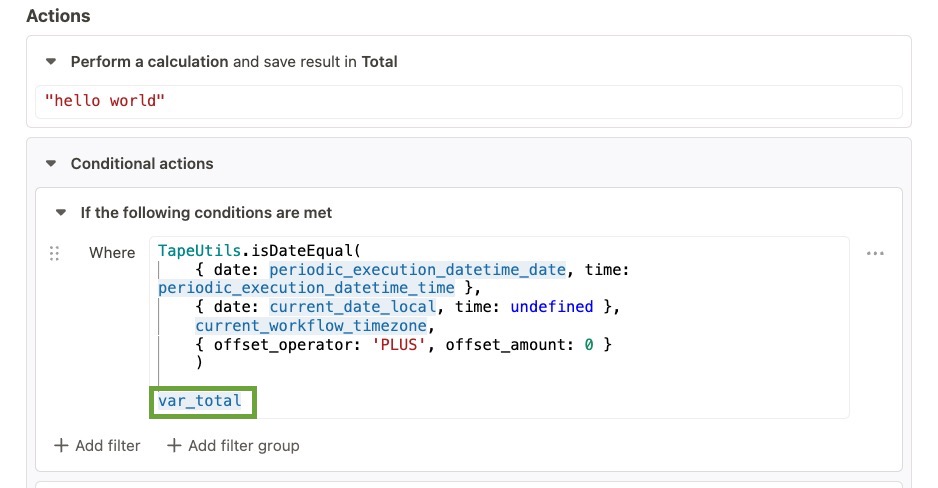
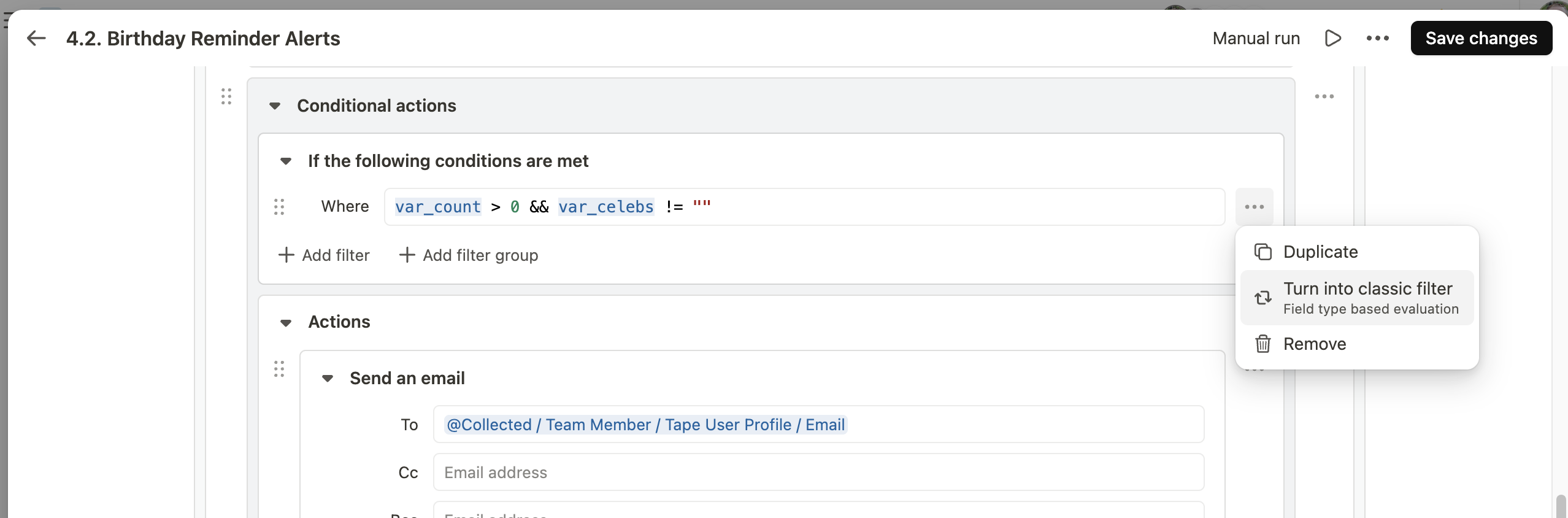
Upon looking deeper, in every single related example I pulled up (such as the screenshot below) my team had achieved this result by using the ‘Turn into Script Filter’ option, as Luis had suggested.