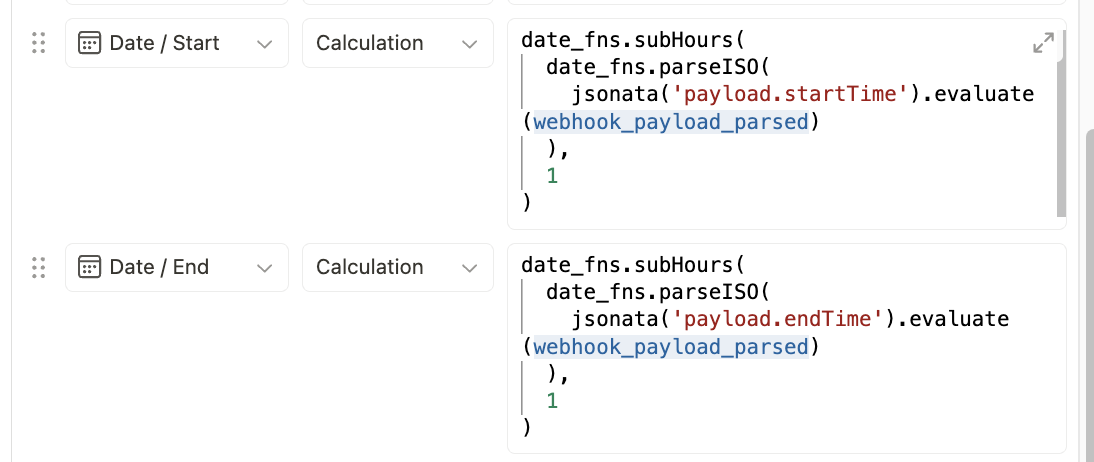
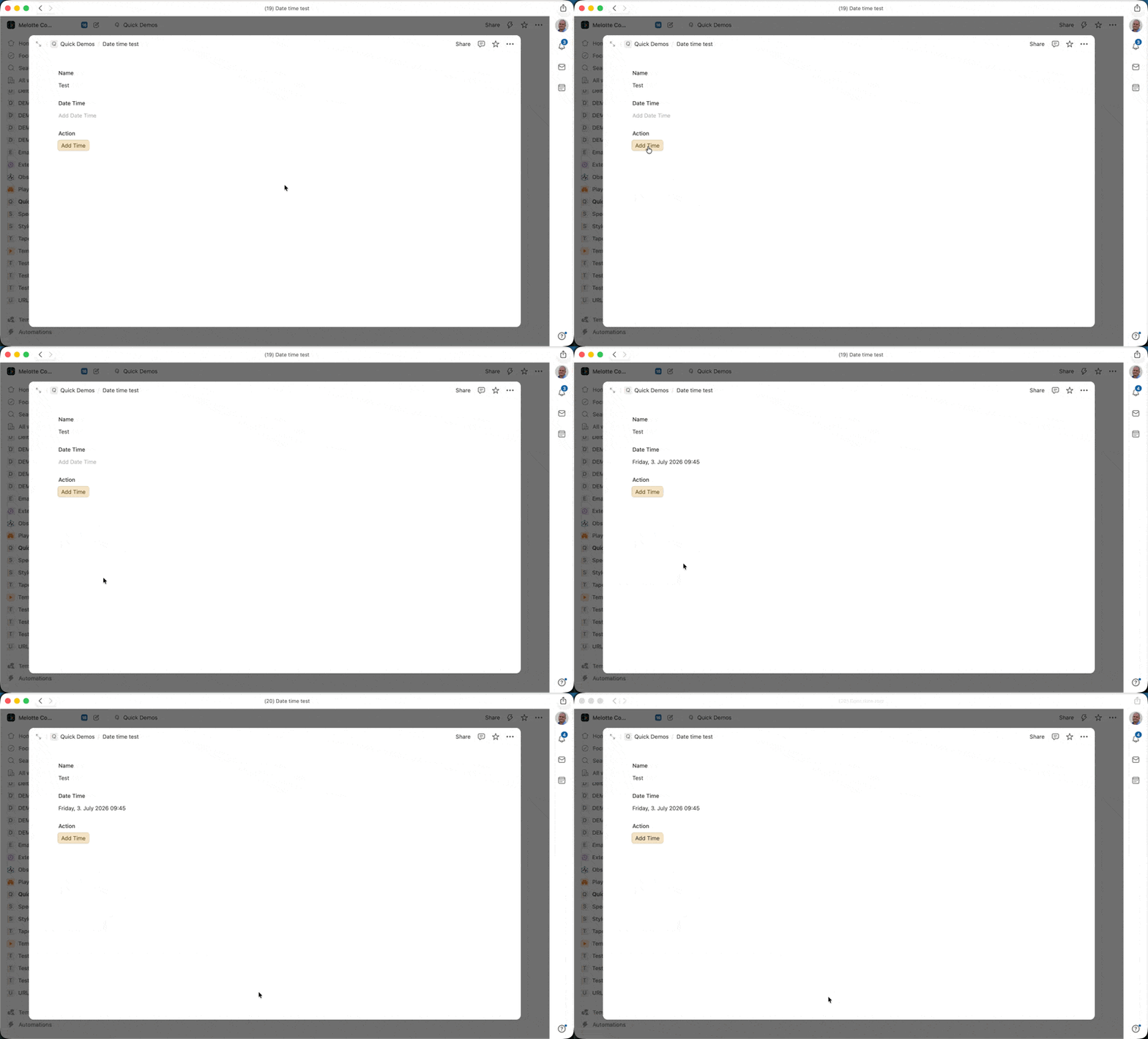
For some reason, as in screenshot, when I put in Time to save while creating a record. The field only fills up date. Not time. I have tried variables and even plain text. Am I missing something or is it a bug.
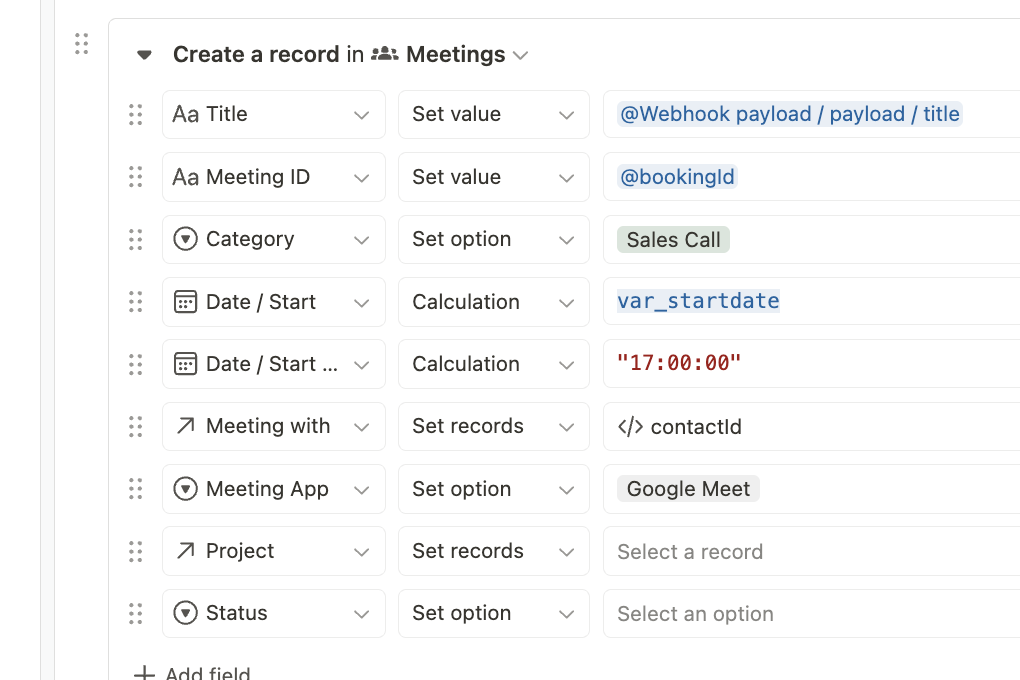
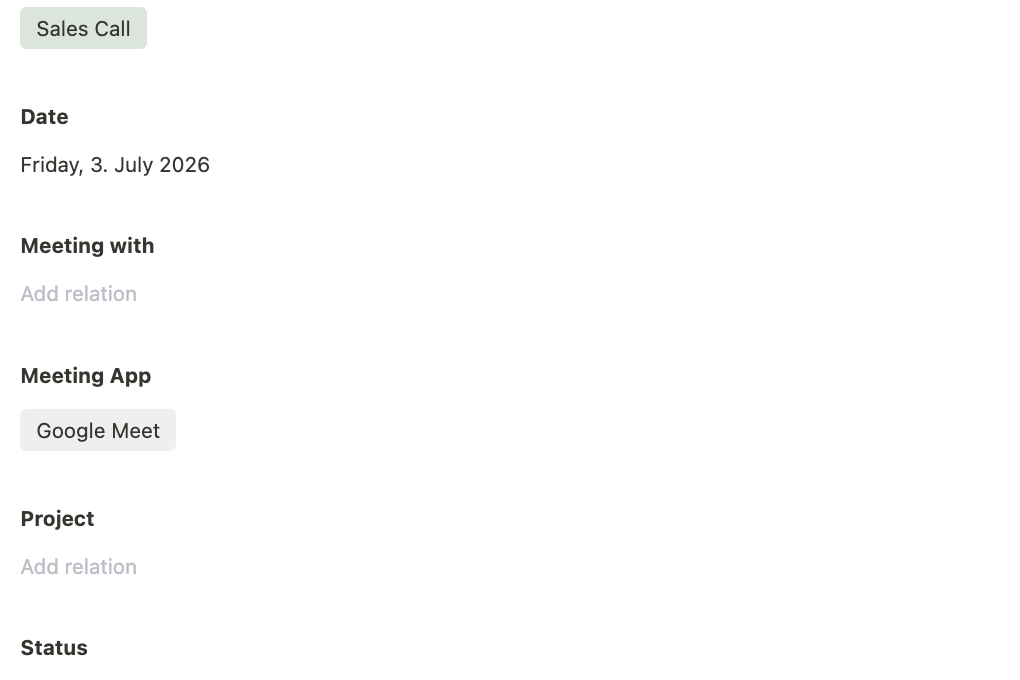
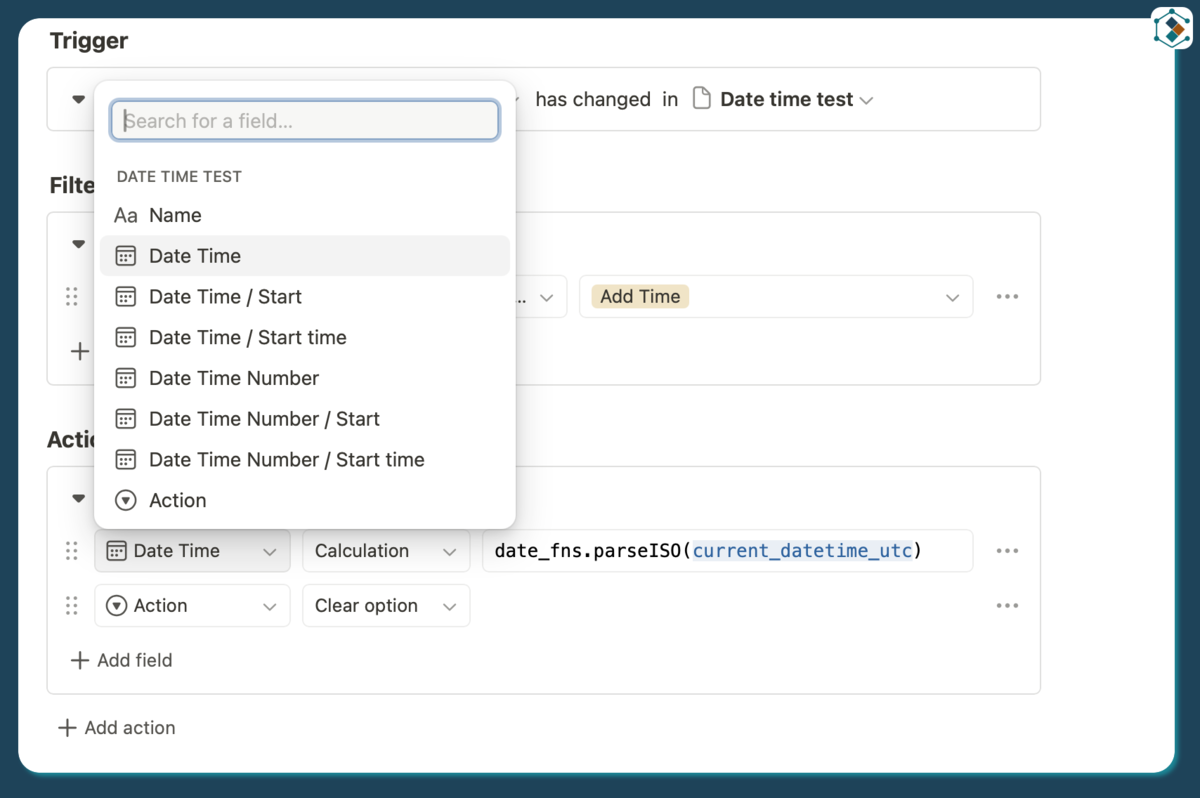
I am not sure if that is working or not however as you are putting a date object in via a calc anyway you can set the date and time in one go:
Thanks Jason.
This is coming from a webhook. I have one field Date (with end time).
The webhook returns two separate values
  "triggerEvent": "BOOKING_CREATED",
  "createdAt": "2026-07-03T06:40:42.398Z",
  "payload": {
    "title": "Test",
    "startTime": "2026-07-03T17:00:00.000Z",
    "endTime": "2026-07-03T17:30:00.000Z",
So I am doing this
const start = new Date(webhook_payload_parsed.payload.startTime);
const end = new Date(webhook_payload_parsed.payload.endTime);

var_startdate = start.toISOString().split('T')[0];
var_starttime = start.toISOString().split('T')[1].substring(0, 8);

var_enddate = end.toISOString().split('T')[0];
var_endtime = end.toISOString().split('T')[1].substring(0, 8);
and then updating that one fields using four values.
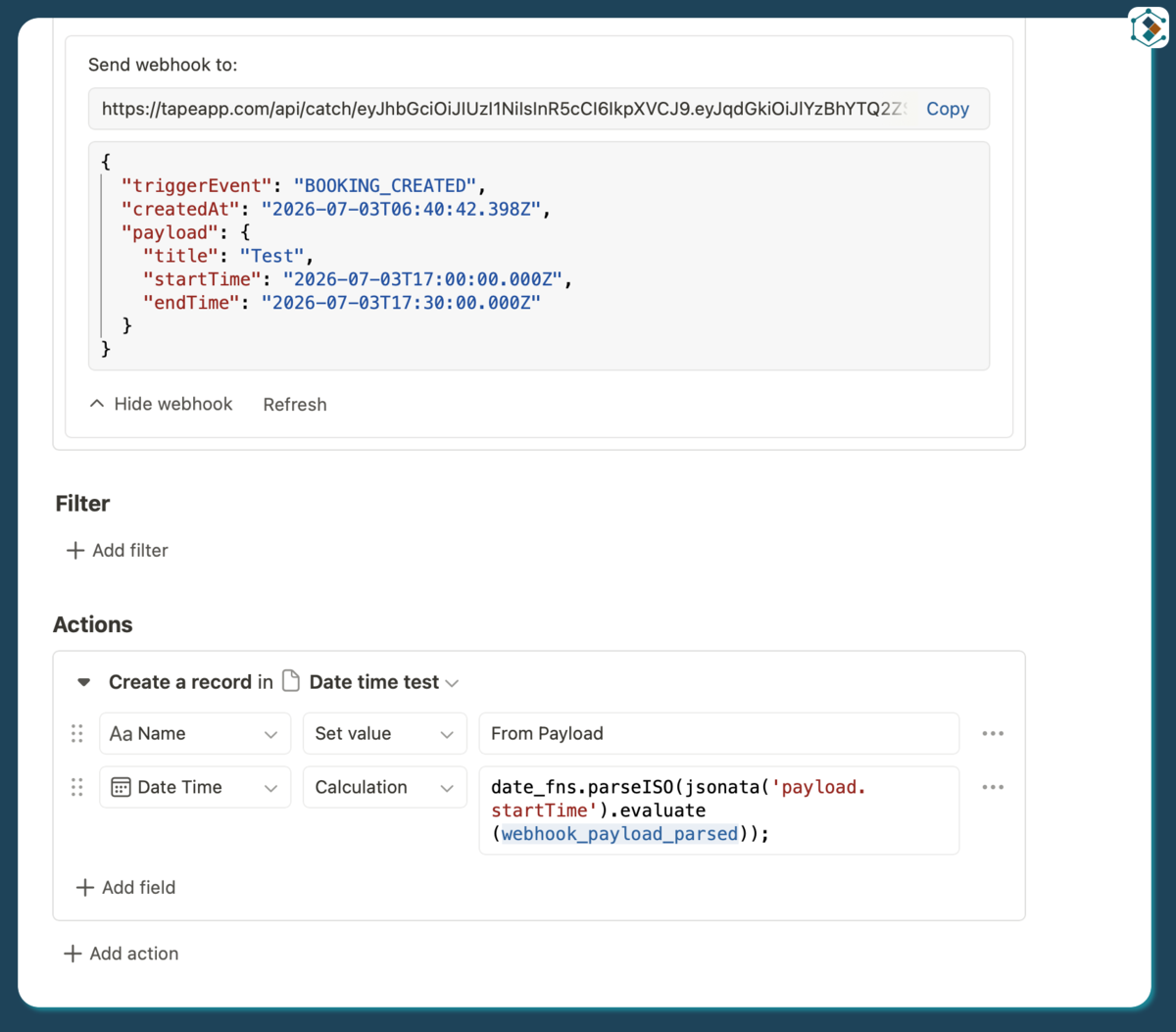
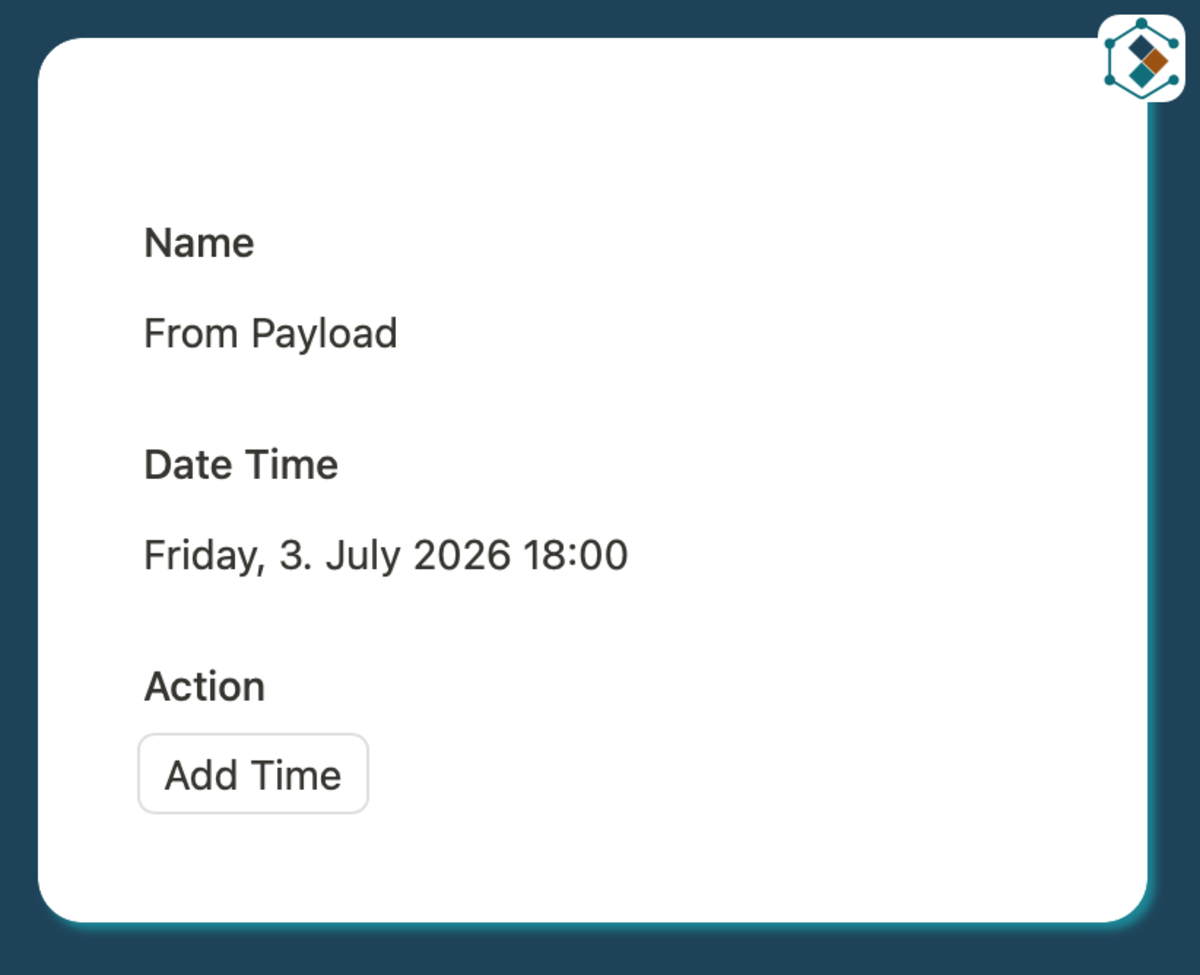
Your payload is giving you a ISO date/Time so just parse it into the date field.
Are you using the same field for start and end? if you are rather than separate then you can do:
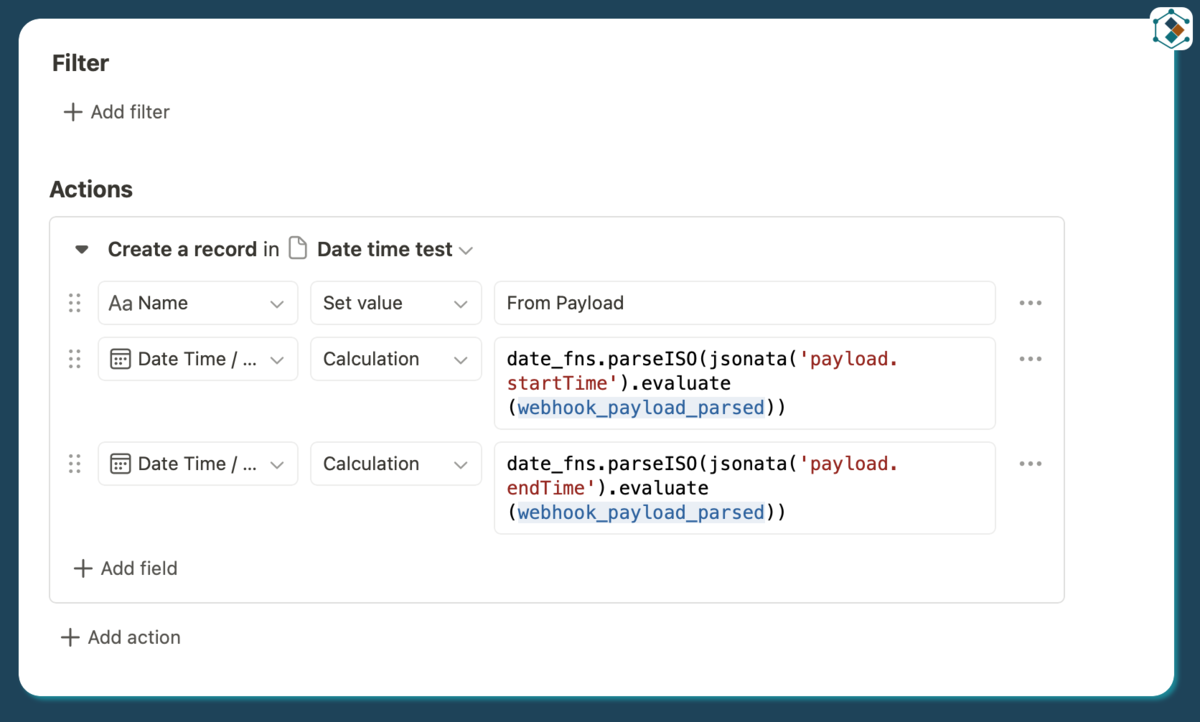
Just add the calculated date time to the start and end seperately
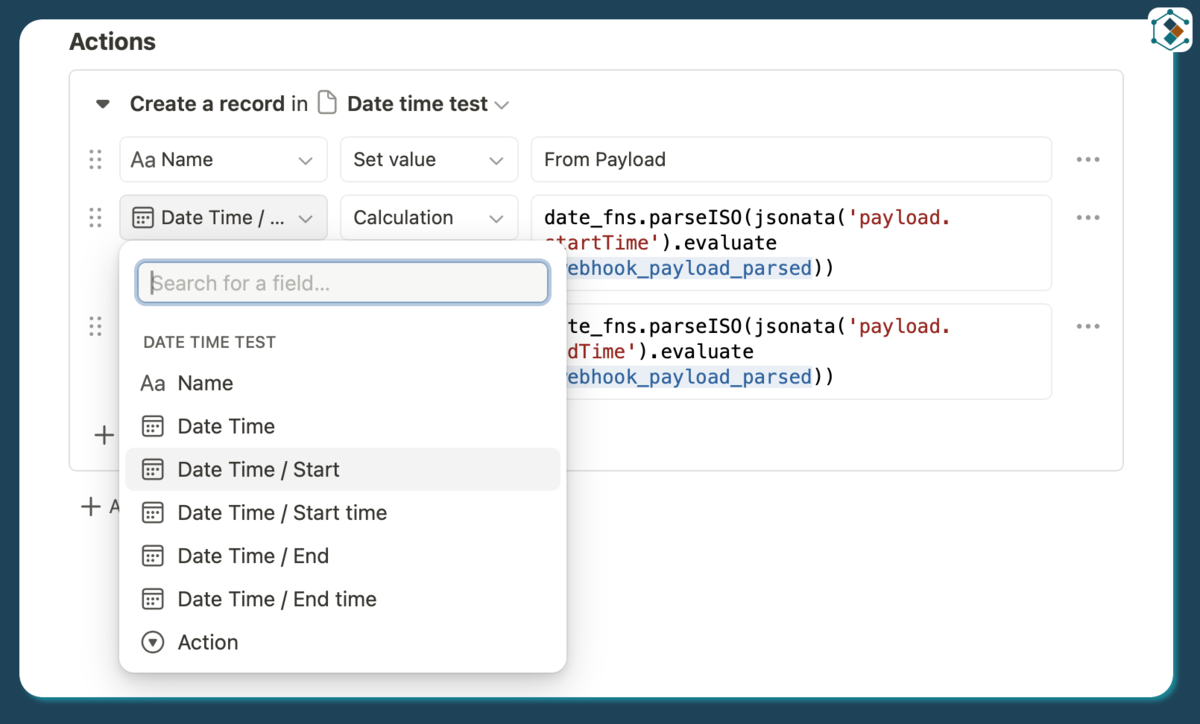
which should give you:
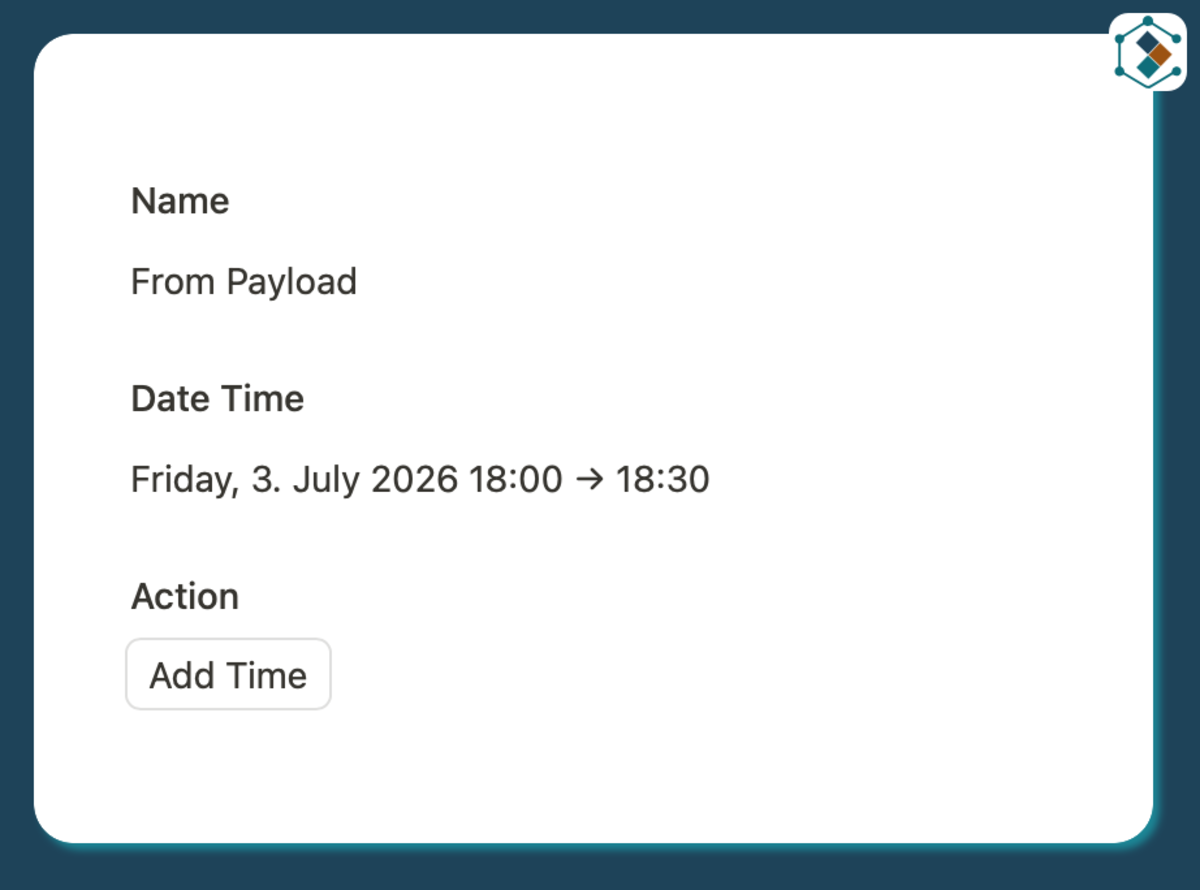
Unless I am missing something
Also: you may need to do some TZ changes somewere along the lines as well
3 Likes
That worked, thanks @Jason .
Yes, it is picking up as UTC. I’d have to parse it to UK time.
This worked finally: