Introducing Syncello - The only AI you’ll ever need for Tape!

We are super excited to introduce Syncello - The only AI you’ll ever need for Tape!

Andrew Cranston and Martin Evans are proud to announce the soft launch of Syncello, both with years of deep experience across the Podio and Tape ecosystems, Syncello was built with one clear purpose: to help teams unlock more from the systems they rely on every day.

Purpose-built for businesses powered by Podio or Tape, and the tools connected to them.

We’ve built 300+ tools across 10+ integrations, including Podio, Tape, ShareFile, Slack, Linear, BatchData, QuickBooks Online, and Stripe, with Google Workspace, Microsoft 365, HubSpot, and more coming soon.

These tools can be used in three powerful ways:

Syncello AI - A conversational agent built to understand these platforms deeply. Ask it to find a Podio item, create a Tape record, send a Slack message, search ShareFile folders, or generate a QuickBooks report. Available through our chat interface, Chrome extension, or MCP.

REST API - The same tools powering our AI agent, exposed as direct API endpoints. No conversation required, just clean, structured requests and responses. You can build custom automations, connect your systems, and move data programmatically with complete control.

MCP Server - Connect Syncello’s full tool library to any MCP-compatible AI assistant. Whether your team uses Claude Code, Cursor, or another MCP-supported platform, you can bring every Syncello integration directly into that workflow without switching context.

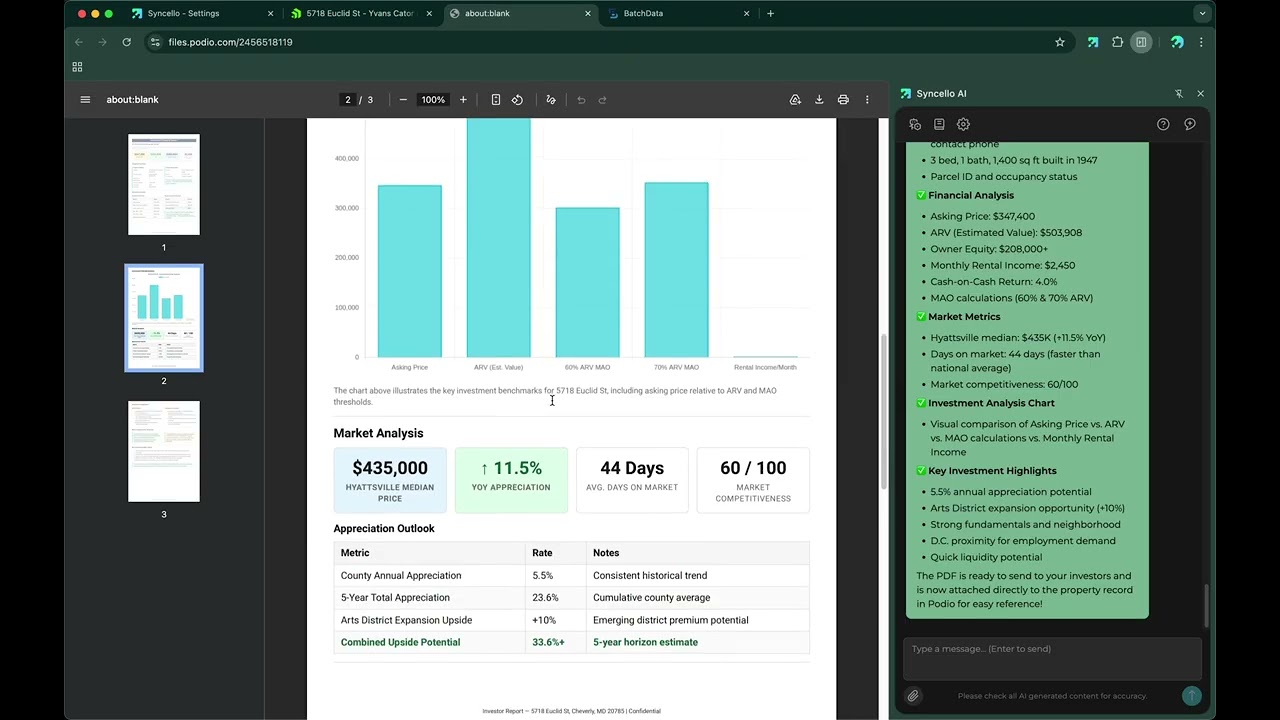
Check out our full demo video here:
A note on working with production data

Syncello is built to give you real control over your live systems and with that comes responsibility. Our AI agent always presents changes for review before anything is executed, but we strongly encourage you to verify every input and double-check every action, especially when working with production data.

AI is a powerful tool but not a replacement for your judgment. You know your systems best; Syncello simply makes them faster, smarter, and easier to manage.

We’re only getting started, and what’s ahead is even more exciting. But today, Syncello is live, launched, and ready to get to work, and we couldn’t be more excited to finally share it with you.

12 Likes

Great work @andrew.cranston @Martin_E
We’ve been trying Syncello out and it feels really useful. Worth giving it a try.

4 Likes

Thanks @andrew.cranston and @Martin_E - this looks awesome. I’m excited to block some time to truly play with this tool and start using it in my own and my clients workflows.

4 Likes

I will challenge the β€œonly” part… already working on it :wink:

5 Likes

Behind the scenes:
How we created the calculation cheat sheet template with Syncello.

For the new calculation cheat sheet, we wanted a simple way to test every example directly in Tape.
So we took the full cheat sheet content and asked AI to turn it into a prompt. Then we used that prompt in Syncello to create the whole structure.

The result is a ready-to-use workspace where you can copy code snippets from the cheat sheet, paste them into the calculation field, and test them against real sample data.
All details are here: https://community.tapeapp.com/t/new-calculation-field-cheat-sheet-part-1-syntax-field-references/2430

The video shows the full process, from an empty workspace to a complete calculation testing sandbox, including fields, apps, relations, and demo records.


Here is the exact prompt we used. You can try it in Syncello as well, or use it as a starting point for your own examples.

Create a new app in Tape called "Cheat Sheet Sandbox". This app is a sandbox for testing Calculation fields. Add the fields in the exact order listed below, then create one demo record with the sample values.

Important: create the fields in this exact sequence. The Calculation field must be the second field, immediately after Title.

1. Title β€” Text β€” "Q3 Website Relaunch"
2. Calculation β€” Calculation β€” Output type: Text β€” use this formula: `<span style="color: red; font-weight: bold;">β†’ Paste any formula from the Cheat Sheet here to test it.</span><br><a href="https://community.tapeapp.com/t/community-cheat-sheet-new-editor-part-1/2423" target="_blank">Get All Information Here β†’</a>`
3. First name β€” Text β€” "Juliet"
4. Last name β€” Text β€” "Adams"
5. Full name β€” Text β€” "Juliet Adams"
6. Name β€” Text β€” "Juliet Adams"
7. Nickname β€” Text β€” "Jules"
8. Email β€” Text β€” "juliet.adams@acme.com"
9. Phone β€” Text β€” "+49 30 98765432"
10. Slug β€” Text β€” "q3-website-relaunch"
11. Note β€” Text β€” "Client prefers async updates via email."
12. Description β€” Long text β€” "Full redesign of the company website including new navigation, updated brand guidelines, and mobile optimization for all breakpoints."
13. Html β€” Long text β€” "<h1>Project Brief</h1><p>Scope and deliverables for the Q3 Website Relaunch.</p>"
14. Score β€” Number β€” 87
15. Hours β€” Number β€” 32
16. Hourly rate β€” Number β€” 125
17. Price β€” Number β€” 4000
18. Quantity β€” Number β€” 3
19. Amount β€” Number β€” 4000
20. Net β€” Number β€” 3361
21. Gross β€” Number β€” 4760
22. Revenue β€” Number β€” 4750
23. Cost β€” Number β€” 1200
24. Balance β€” Number β€” 2800
25. Rate β€” Number β€” 0.19
26. Total β€” Number β€” 129
27. Done β€” Number β€” 80
28. List price β€” Number β€” 5000
29. Discount β€” Number β€” 1000
30. Delta β€” Number β€” 250
31. Radius β€” Number β€” 5
32. Deadline β€” Date β€” 2026-06-30
33. Start date β€” Date β€” 2026-04-01
34. End date β€” Date β€” 2026-06-30
35. Signed date β€” Date β€” 2026-03-15
36. Opened on β€” Date β€” 2026-04-01
37. Invoice date β€” Date β€” 2026-05-01
38. Submitted on β€” Date β€” 2026-04-15
39. Logged at β€” Date β€” 2026-05-04
40. Birthday β€” Date β€” 1990-07-14
41. Sprint β€” Date Range β€” 2026-05-01 to 2026-05-14
42. Status β€” Single select β€” options: New, Active, Done, Blocked β€” value: "Active"
43. Priority β€” Single select β€” options: Low, Medium, High β€” value: "High"
44. Tags β€” Multi select β€” options: Design, Development, Marketing, Client, Internal β€” value: Design, Development
45. Owner β€” Member β€” current user
46. Primary contact β€” Member β€” current user
47. Website β€” Link β€” "https://acme.com"
48. Tasks β€” Relation to a "Tasks" app β€” that app has fields: Title (Text), Status (Single select: Open / Done / Blocked), Amount (Number), Deadline (Date). Link 3 demo tasks: "Kickoff" (Done, Amount 800, no deadline), "Design phase" (Done, Amount 1600, no deadline), "Development" (Open, Amount 2000, Deadline 2026-06-15).
49. Invoices β€” Relation to an "Invoices" app β€” that app has fields: Amount (Number), Status (Single select: Draft / Sent / Paid), Owner (Text). Link 2 demo invoices: Invoice #1 (Amount 2000, Paid, Owner "Juliet Adams"), Invoice #2 (Amount 1200, Sent, Owner "Juliet Adams").
50. Reviews β€” Relation to a "Reviews" app β€” that app has fields: Rating (Number). Link 1 demo review: Rating 4.
51. Submissions β€” Relation to a "Submissions" app β€” that app has fields: Score (Number). Link 3 demo submissions: Score 45, Score 78, Score 92.
52. Deals β€” Relation to a "Deals" app β€” that app has fields: Title (Text), Amount (Number). Link 3 demo deals: "Enterprise Plan" (Amount 8500), "Starter Plan" (Amount 1200), "Pro Plan" (Amount 3400).

Notes
- Record_ID is a Tape built-in and is assigned automatically β€” do not create a field for it.
- Radius and Delta are pure math demo fields β€” any plausible number works.


This turned a simple idea into a usable testing workspace in just a few minutes. If you find a cleaner prompt or a better structure, we’d love to hear it.
6 Likes

This feels like watching my son (if I had one) win man of the match a football tournament. So proud :smiling_face_with_tear:

Glad it was helpful!

7 Likes