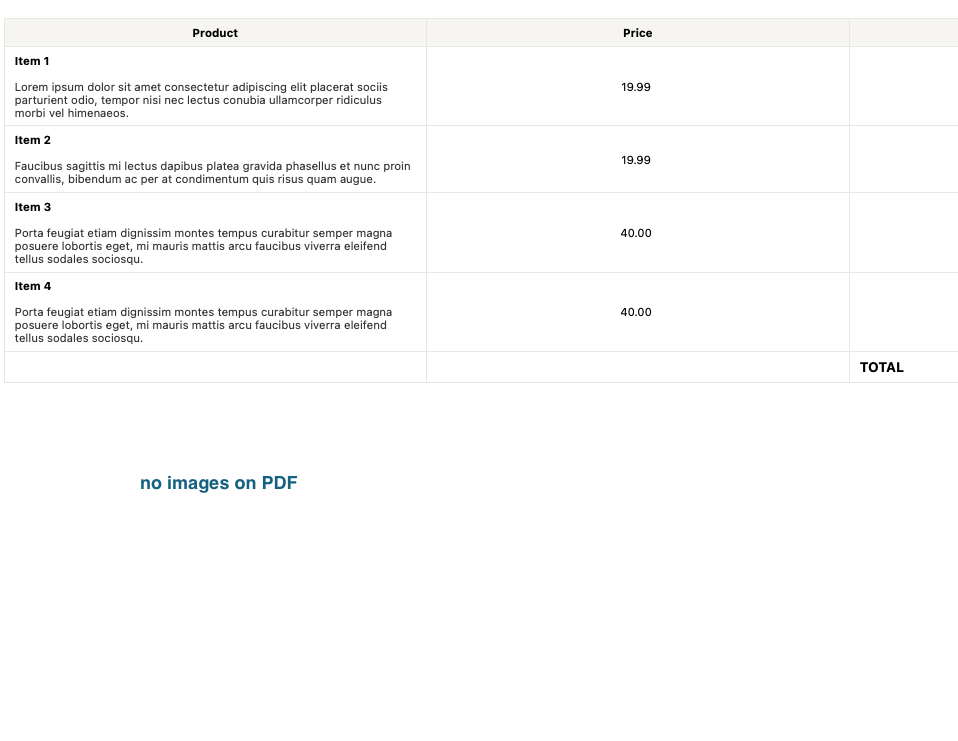
I was searching here and couldnt find the answer, or it is a really simple and silly config I couldnt get yet, but I need to show the images attached into an Image Field inside the PDF content.
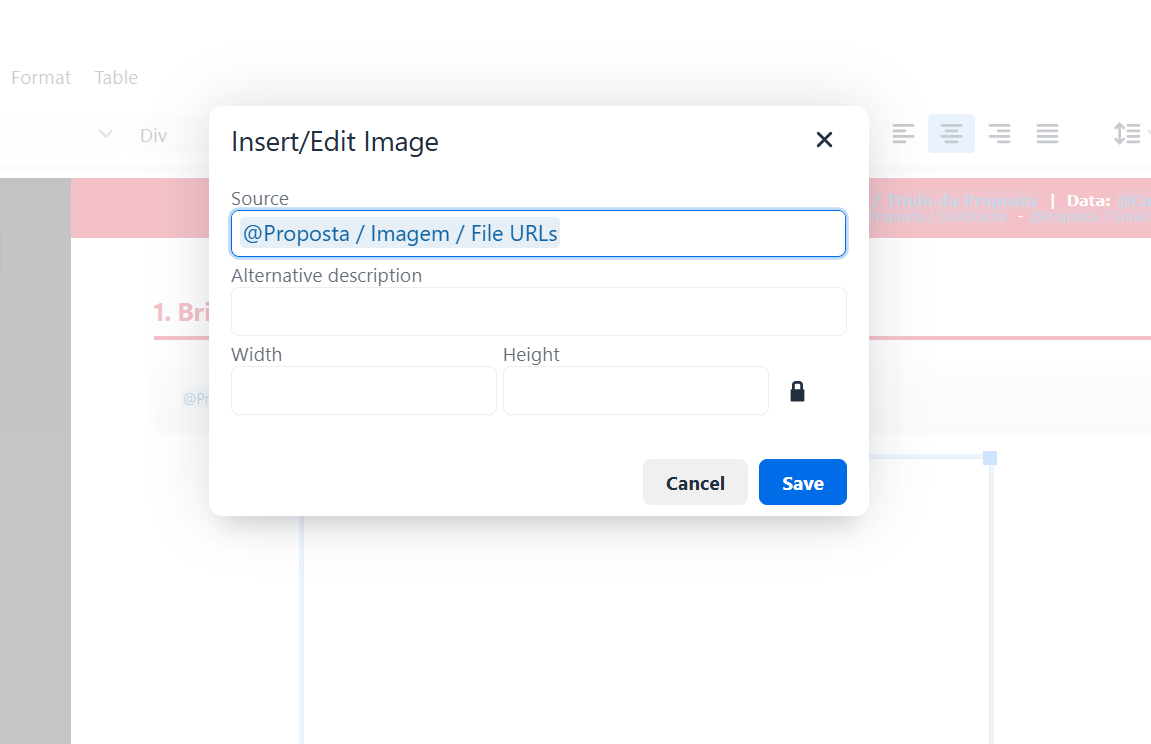
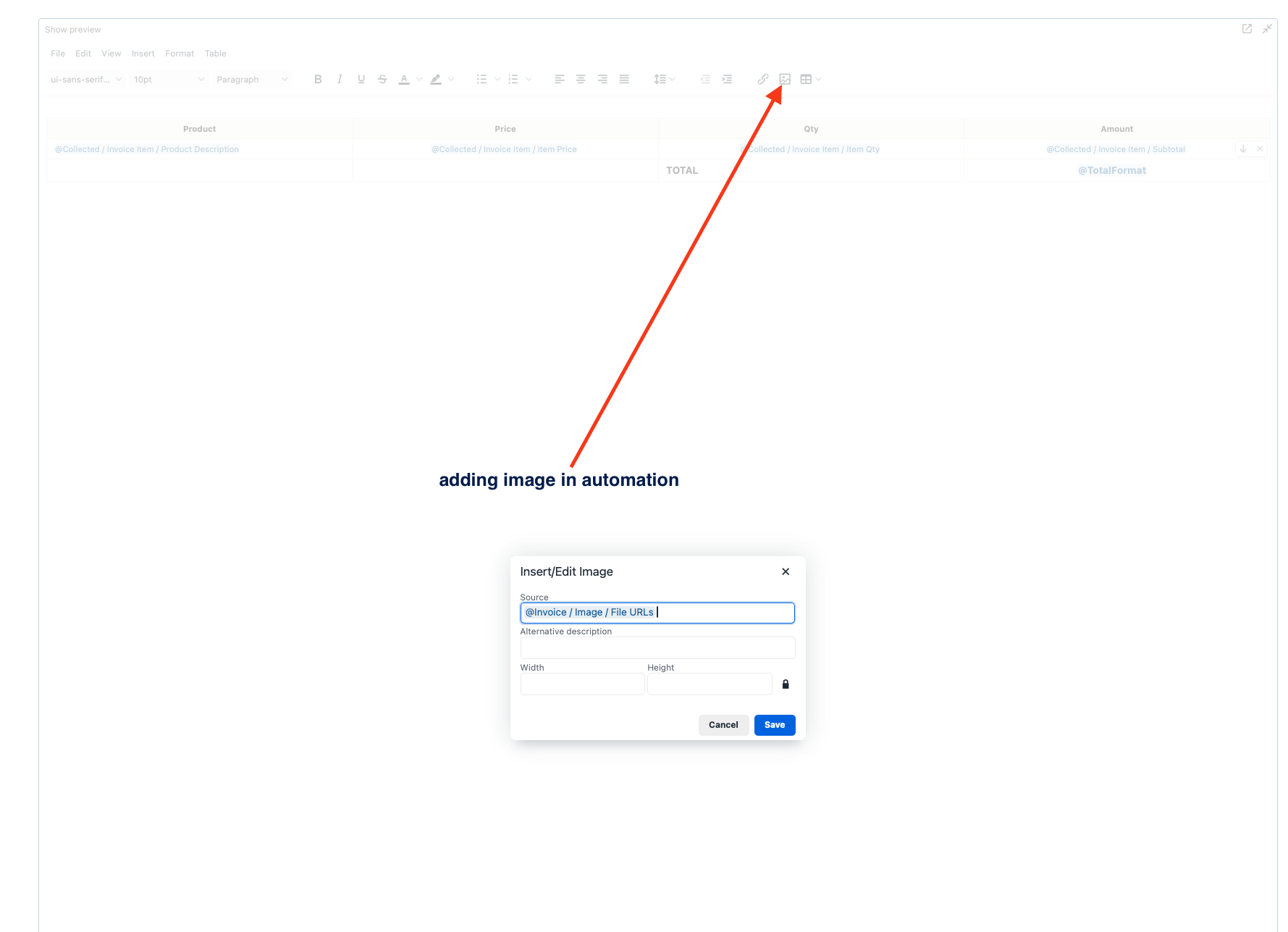
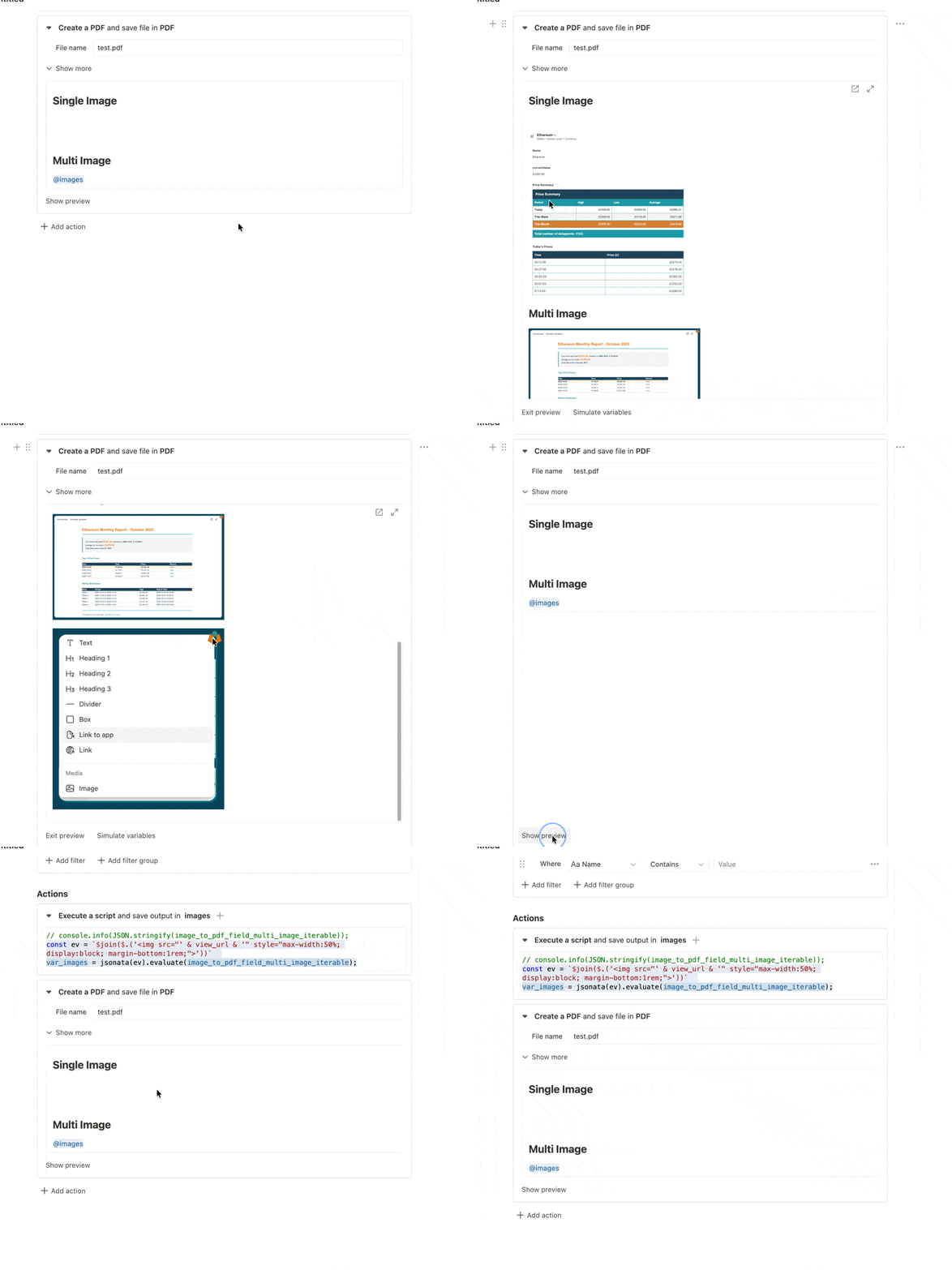
I tried to add Image and @ refer to the image field, but It didnt render the image so far…
Also tried some “vibe code” alternatives that AI told me to, but also no success…
If there are any similar using cases the community might have been passed through, I’m very interested on how you guys did to address this simple situation…
It looks like the related post brings a good solution for when you have the image rendered into a calculation field.
I even tried to workaround using a calculation field based on this post but it looks like the image field is not allowed to reference inside a calculation field.
So I see now what your problem is.
Honestly I have never used more than one image on PDF.
Maybe a workaround is to add more image fields and add them one by one, but definitly not a long term solution.
Maybe a bug needs to be reported or maybe that us two just do not know how to more images to PDF.
@toni as @tomaz says and i believe you have found out if you add multiple images to a single field then the @ variable in the image embed will break this is because the image embed takes the url it is given and wraps it in the html required to show the image and now you are passing it multiple urls the html messes up. The only solution to this (that I can think of) is to build the html yourself and drop it in. Now there is obviously multiple ways to do this but:
@toni I’m glad it’s working for you. You’ve raised a point that’s worth explaining though. Even if it wasn’t the issue with your single image, it’s still important.
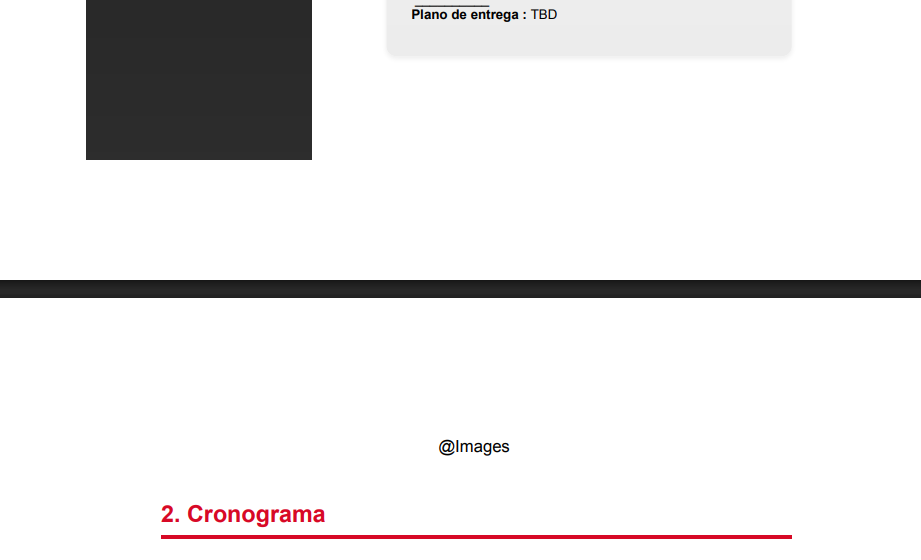
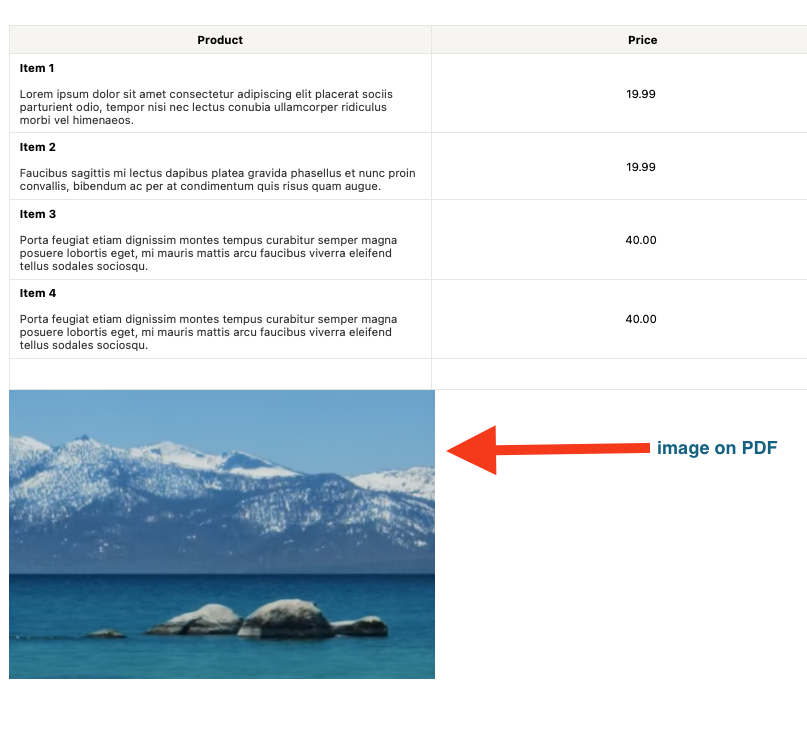
When you add a single image using the method I mentioned in the earlier post to Tomaz, and the way he’s shown above, the image will only appear during a simulation or an actual creation. This can be confusing because while you’re editing the PDF layout, there’s no indication that anything is there: it just looks like white space.
This makes it easy to think nothing is happening. There is a logical reason for this behaviour, but it doesn’t change the fact that it can look like it isn’t working.