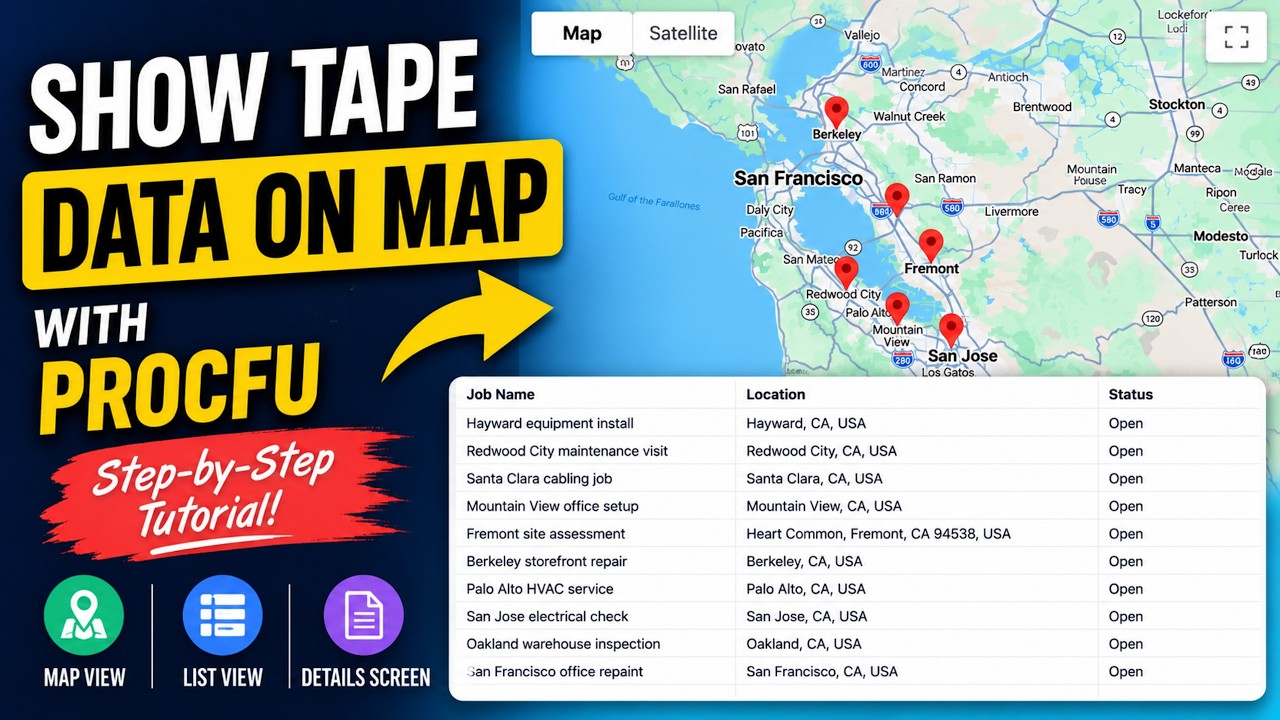
Need to show your Tape records on a map? In this video, we build a complete contractor and job tracking app using ProcFu and plot jobs directly onto an interactive map. Perfect for:
Repair and maintenance businesses
Field service teams
Contractors and engineers
Delivery and logistics operations
Any workflow involving locations
In this walkthrough you’ll learn how to:
Create a Tape app with location fields
Generate sample data
Display records on a map
Add list views below the map
Create detail screens
Open records directly from map markers
Build a public client-facing app powered by Tape data
ProcFu makes it easy to build powerful applications on top of your Tape workspace without writing code.
thank you so much for putting this showcase together! This is a fantastic example of what can be built with ProcFu on top of Tape
Being able to visualize Tape data on a map opens up so many great use cases. As you mentioned, it’s especially valuable for CRM scenarios where you want to see customers, deals, or service locations geographically, but it also fits perfectly for field service, logistics, inspections, maintenance, and many other location based workflows.
We really appreciate the time and effort you put into creating this guide and explaining everything step by step. I’m sure it will help a lot of people discover new possibilities with Tape.
Thanks again for sharing this with the community, and we’re excited to see what you build next!
Thank you, @Leo . Appreciate the support. Exactly, using ProcFu, user’s can deliver several brilliant solutions for their users. Hoping to do more showcases in future.
 ProcFu: https://procfu.com/