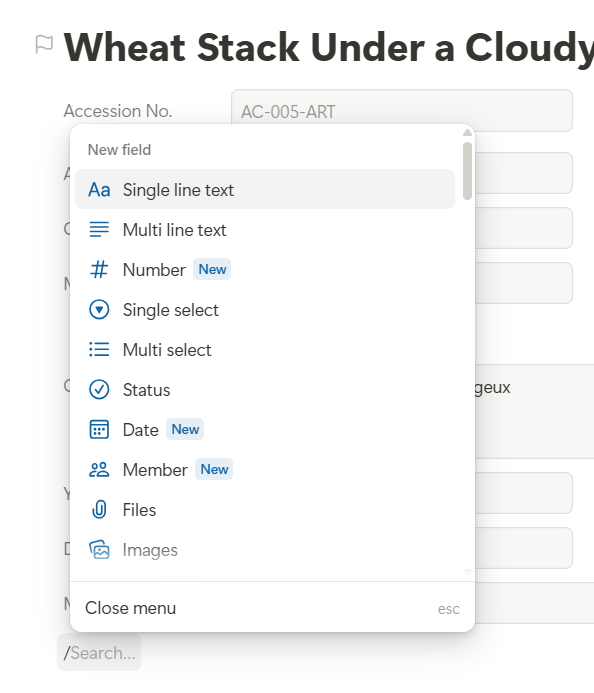
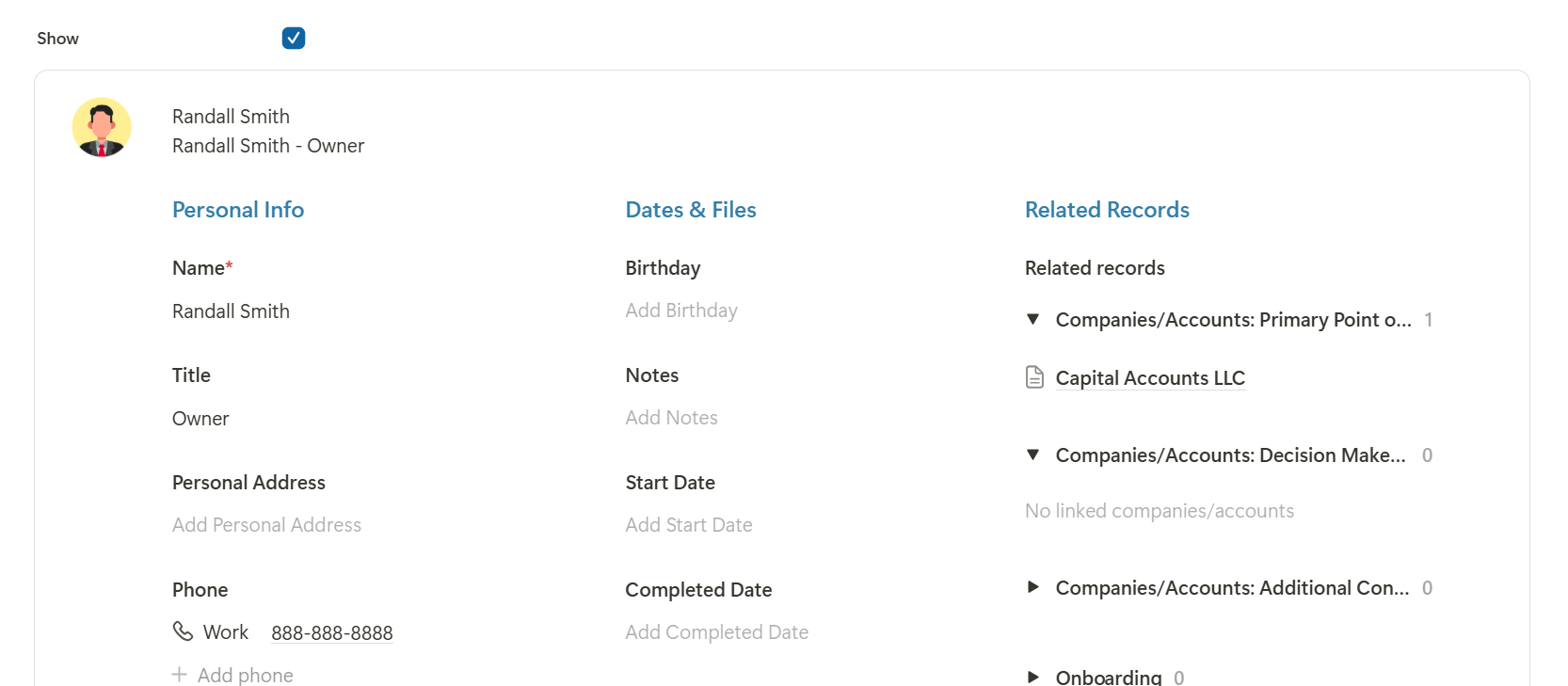
…I didn’t find the option to create new field here, maybe I missed something?
I thought the new layout to be more customizable and tried to set as in Tabs thinking there could be an option to just show the fields for the Active Tabs…But that’s not the thing…
It’s great to see you exploring the new Record Experience!
Creating a two-column layout is actually very simple: just drag one field next to another, and the blocks will automatically snap into columns. However, the exact column structure is important, as it determines the order in which you tab through the fields and how the columns wrap on smaller screens.
The easiest way to understand it is to use this template as a starting point and take a closer look at how its structure is set up.
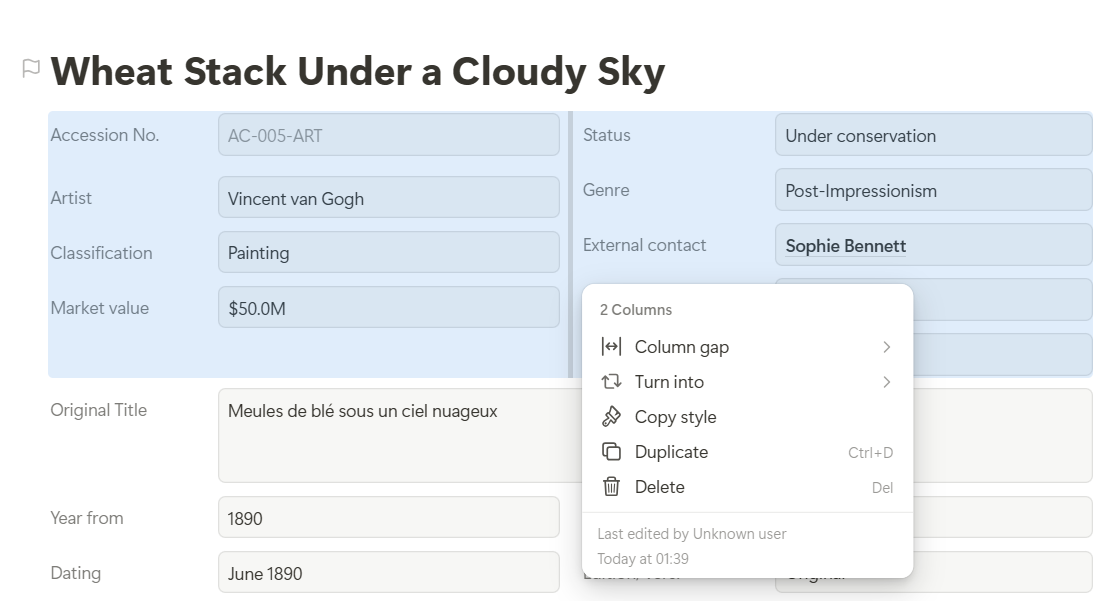
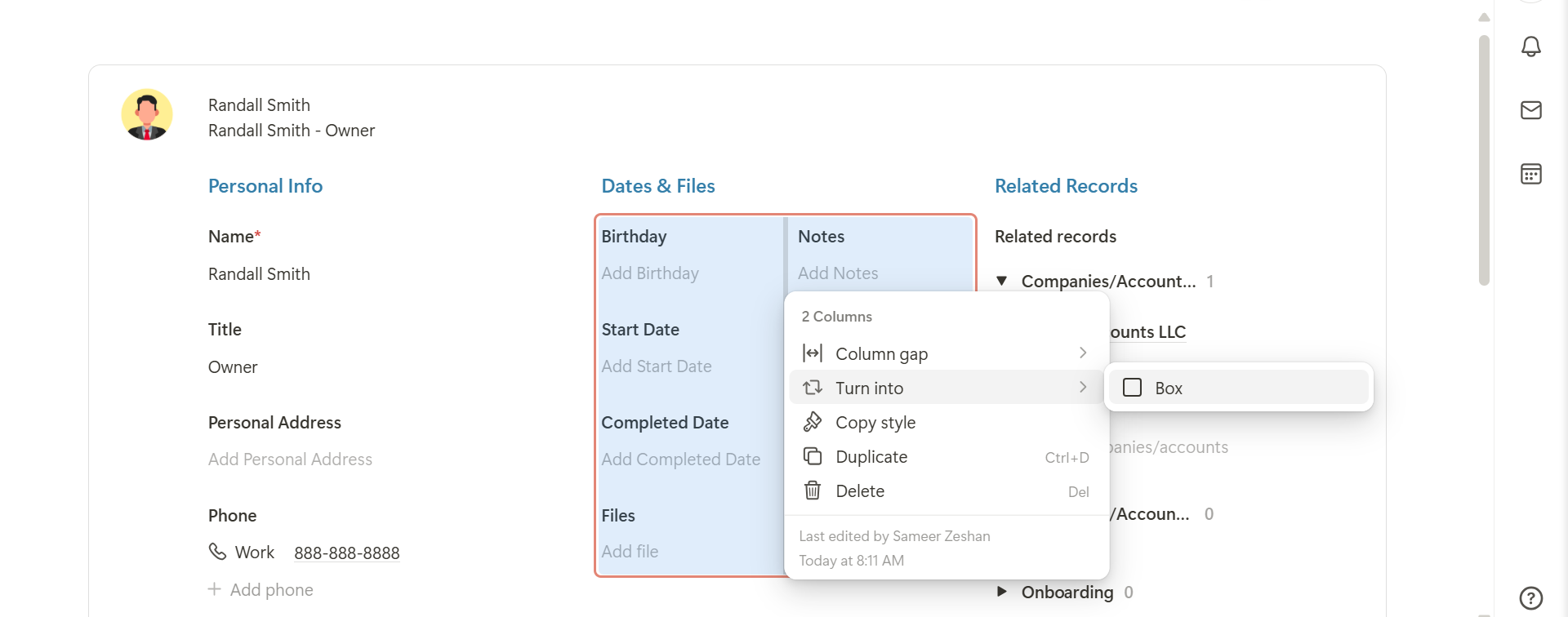
It can also be helpful to press Ctrl+A to select all blocks to see corresponding with indicators on hover. You can also click on a column divider to highlight the corresponding columns and see exactly where you are in the structure. By right-clicking the divider, you can also inspect and better understand the underlying column system.
You can create new fields at any time as well. Simply click into an empty text block and type / to open the slash menu. From there, you can create or add any available block or field type.
You can remove fields from a column simply by dragging and dropping them outside the column. This cannot be done through the “Turn into” menu. You can use that menu to create columns, but to remove fields from a column, you need to drag them out manually.
The best way to understand the column system is to test it once with colored blocks. It is very powerful because columns can also be nested inside other columns.
From your screenshot, it looks like you created a two-column layout inside another column structure: “Personal Info” is one column, “Dates & Files” is another column containing two additional columns, and “Related Records” is another column.
You can also multi-select several blocks and drag them out of a column together. It may take a moment to fully understand the structure, especially with nested columns, but once you see how the different levels work, it becomes very flexible.
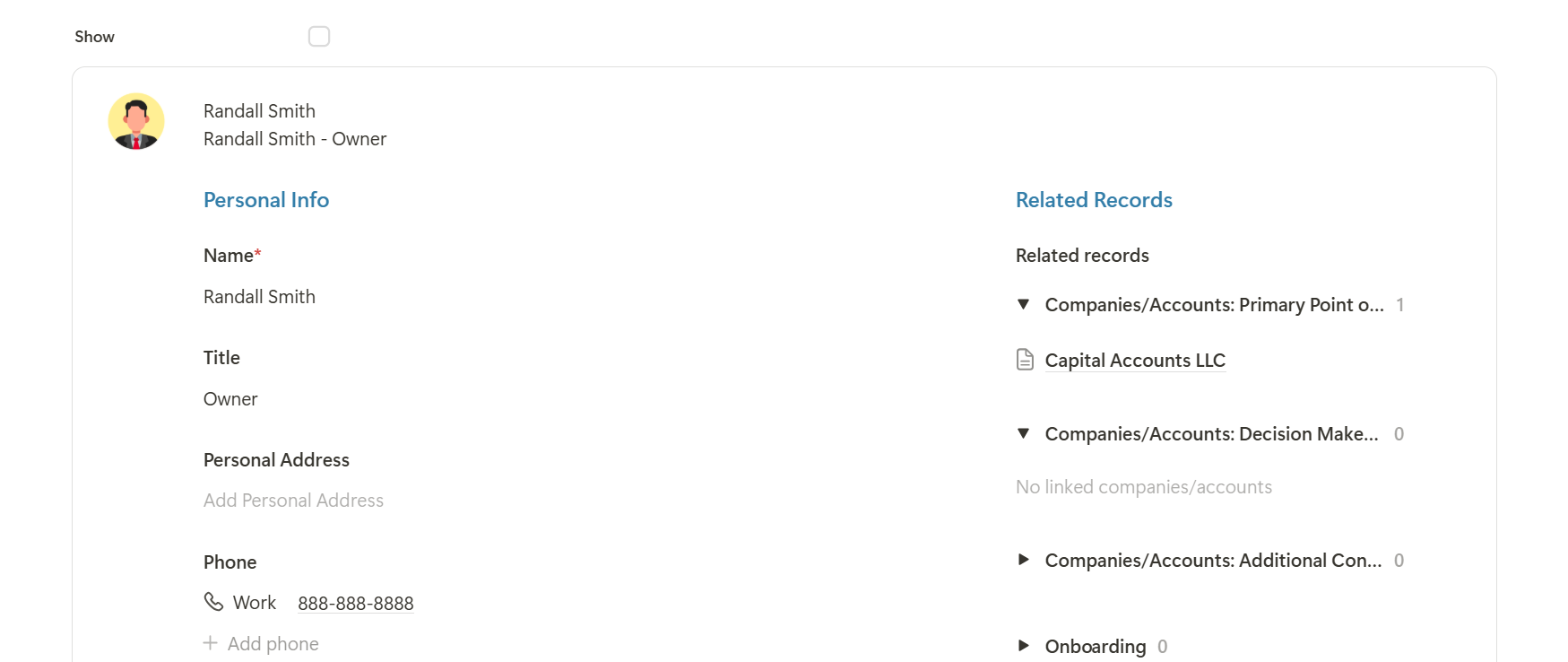
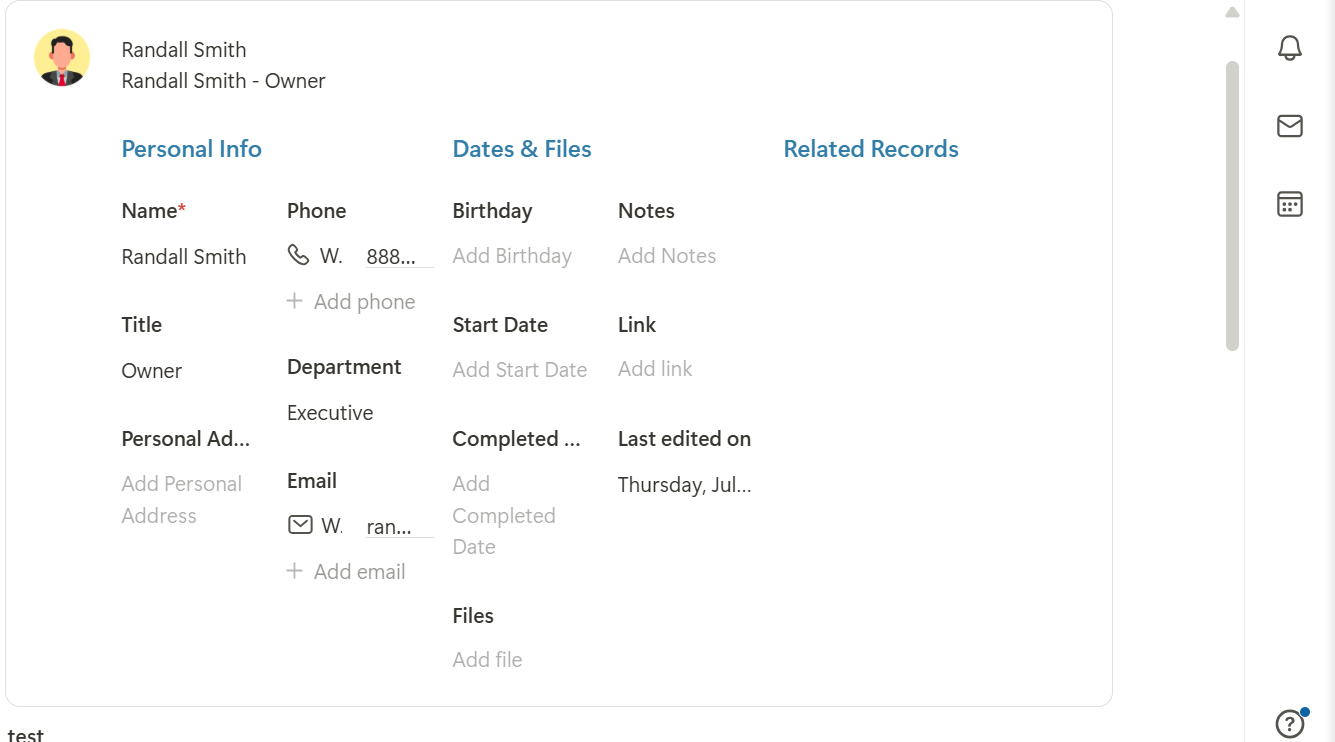
Thanks for the instructions…I have tried the rules to show/hide and that works fine but observed that the Hidden Sections Space is auto managed when we have sections vertically stacked say in one column but when we have multiple columns in one column and apply the hide/show rules, the Space is not auto adjusted but remains there…I thought here to auto adjust the layout and the Horizontal Scroll when the tabs are more than the space available…Thanks
thank you very much for the report and the screenshots showing the issue.
The layout is designed so that empty columns automatically disappear, including when all blocks within a column are hidden through rules.
Could there perhaps still be an empty text block or another block inside the column that is not being hidden by the rule? You could try using multi-select to check whether anything remains inside that column. This is a fairly common situation, and we have occasionally thought something was not working correctly ourselves, only to discover that an empty block was still present.
Could you please check this once more? If there is definitely no remaining block inside the column, then this must be a bug and we’ll investigate and fix it.
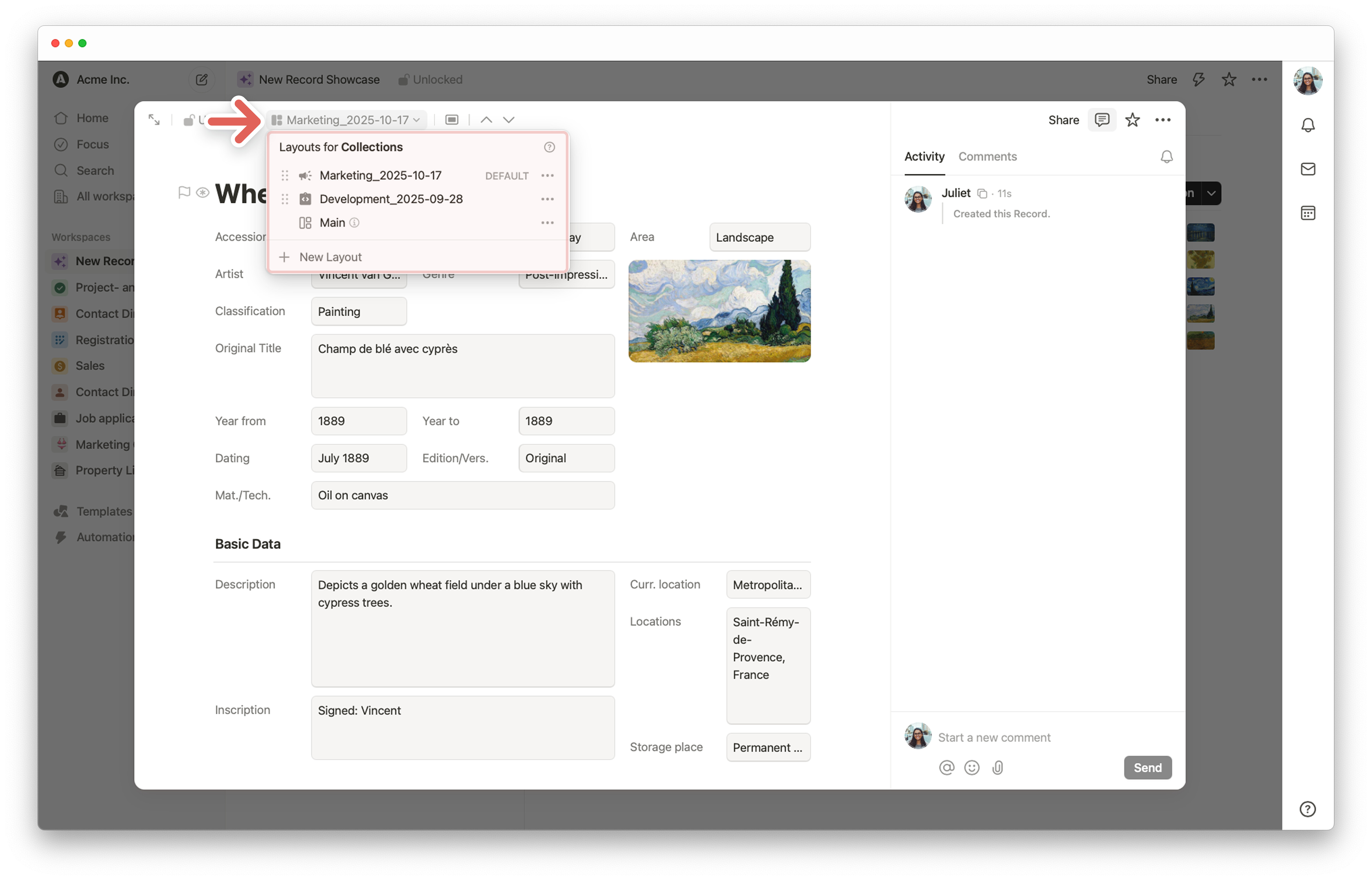
 template workspace.