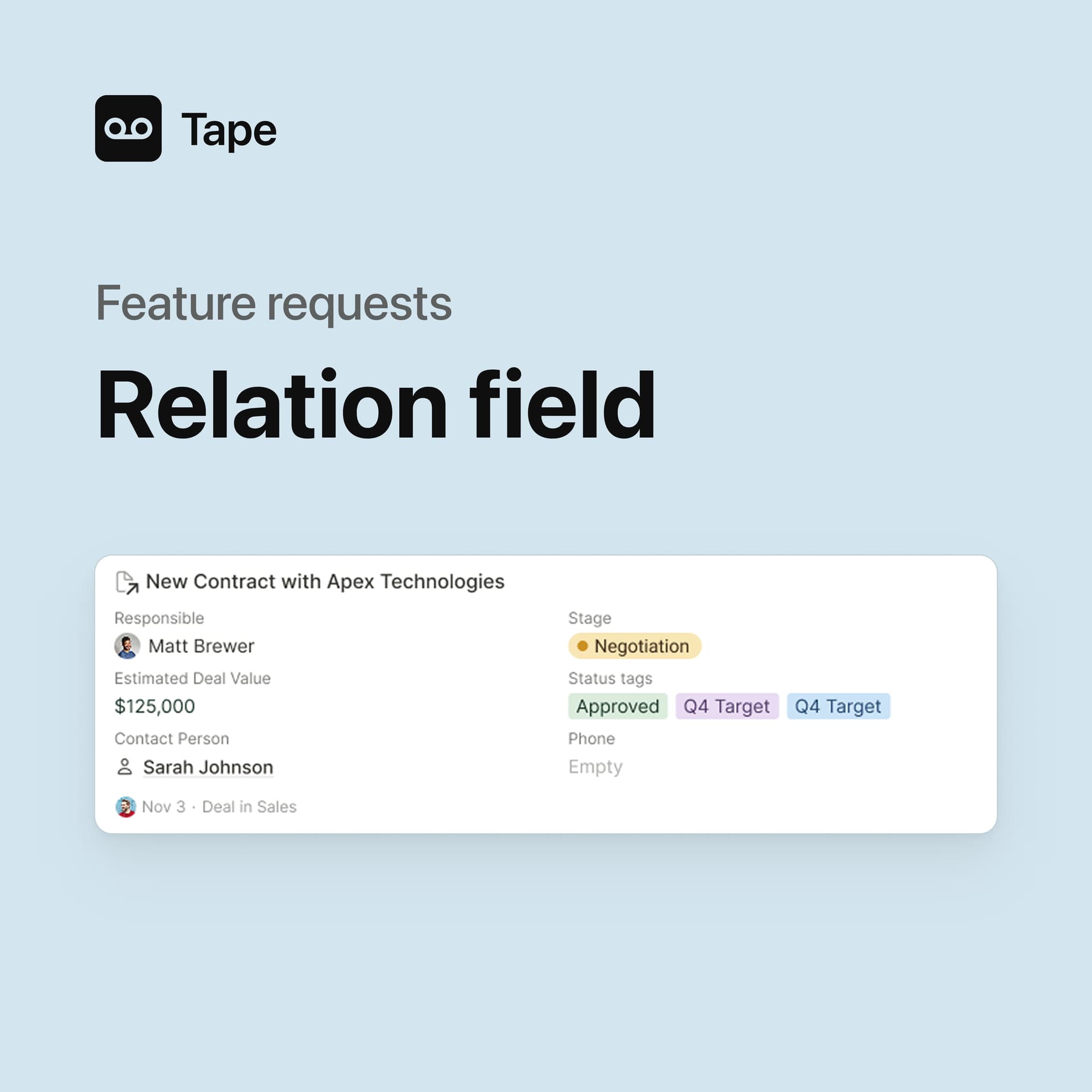
We’ve been working hard for quite some time on developing the relation field for the new record experience. It will connects database apps even better — staying a core part of how records and data link across your entire organization.
Over the past months, we’ve learned a lot from your feedback, discussions, and feature requests.
Everything you’ve shared is helping us rethink and develop in better ways.
Because relations are absolutely essential for most use cases, we want to make sure we’re getting it right, not just for today but for the foundation it builds for the future.
This is where we need your help.
Are there any changes, improvements, or additional capabilities you’d love to see in the relation field?
Anything that would make it more powerful or flexible for your specific use case?
Even if your feature request has been mentioned before, please share it again. It helps us see how important it truly is. Of course, we won’t be able to deliver everything at once, but it’s important that we design the foundation so future improvements are possible.
So please, share your ideas. As always, videos, screenshots from other tools, sketches, or any kind of feedback are super welcome — anything that helps us understand what’s most important to you. Just leave it here in the comments.
Let’s make the relation field community-driven and as useful as possible.
Every idea you share helps us make Tape better for you and for everyone.
Thanks for being part of this journey.
Relation field card layout allowing category fields of related records to be updated directly from the card.
Table view of related records inside the record layout - adding new records by adding a line at the colapsed table of related records.
Filter records from relation field according to other conditions. For example, when filling the Company at the first relation field, filter the Contacts to be shown at the second relation field as only the contacts from that selected Company.
When we have multiple apps attached to a relation field, and we create a new item, there’s a modal that pops up allowing us to select which app we want to create a new item from.
I would love the ability to reorder these related apps.
As is, you have to delete all of them from the related options and then add them back in the new order you would want them.
Not isolated to this feature, but can we get consistent Ctrl+click to open items/links into new tabs? I would definitely benefit from this across the board so I’m mentioning it here again.
We’ve built quite a few workarounds using calculation fields, but having these features would make a big difference. That would be amazing, our team would really appreciate it!
Reference Layout (like in Podio):
Option to show more than 5 fields
Option to display the field name, not only the value (e.g. when several select field options look similar)
Ability to change the displayed value (e.g. Status field)
Ability to change the order of the related apps shown at the bottom of a record (those coming from other apps)
Thank you so much for taking the time to share all this feedback. It’s super helpful, and there are a lot of great ideas in here.
Many of the points you mentioned are already on our radar and planned. At the same time, there were also some really exciting suggestions. In particular, the dynamic filtering in the relation search, which both Tony and John described, is something we definitely want to look at in detail. I’ve discussed similar needs with a few people in the past as well, so it’s clearly a very relevant topic.
Right now we’re in the middle of building the fundamentals for the next steps of Relations. Our goal is to make Relations even stronger and more flexible, as it’s an absolute core feature in Tape, because we know it unlocks a lot of important use cases. This will of course also work on mobile, and we’re planning to offer plenty of configuration options, both for the outgoing relations and for the incoming relations section.
Thanks again for the thoughtful input and for helping us shape this together.
I might be late to the party…somehow I missed the Nov 6th post here. Some of my requests might repeat what others have stated above, but I’ll share again here to reinforce the ideas I find very important.
A few of the most valuable features I’d comment on for relationship fields include:
Ability to define the layout of what fields are seen on the ‘relationship card’ when viewing from the other app.
Bonus if we could define different layouts to be seen in different apps. eg. control the related item layout setting for app C when creating it as a related field in app A or separately in app B. Not just setting it once in app C and having to see the exact same info in A,B,etc.
Ability to update some field types (category fields for sure, others debatable) via the related item card without having to click through and load the full item.
Use case - task apps where you could mark the related task(s) completed without having to click through and load the item within the task app.
Ability to re-order the list of ‘related items’ seen for inbound relations at the bottom of an app.
Use case - sometimes a new app is created that becomes very important but users have to scroll past lots of seemingly irrelevant related items before they see this new important related data at the bottom of the screen simply because the other apps were created with relationships fields at an earlier date.
Ability to Ctrl+click to open the item in a new tab easily.
Ability to pull filters through related items. Eg. in an equipment app we can see which equipment has a ‘current project’ related. But it would be great to see which equipment is related to projects within a specified status such as Overdue (without having to create extra calc fields or workflows to duplicate data)
So this becomes a feature actually in App A to filter for logic stored in related App B items. (might be too complex and unlock a crazy unreasonable amount of filter options in each app…but would sure be nice to do for many use cases)
thanks again for your thoughtful and very helpful feedback, I really appreciate it.
I just want to make sure I fully understand point 5 correctly.
Are you mainly referring to a dynamic filter when searching / selecting related items, similar to what we’ve also heard from @toni and @1F2Ns, where the relation search is filtered based on fields on the related records (for example: only show projects with status = Overdue)?
Or are you instead thinking about a filter option on the related items that are already linked , so that you can filter that existing related list?
I just want to be sure which of these you had in mind, as they lead in slightly different directions.
Hey @Leo
For that point 5, the filter request is not when selecting items for the relationship field.
The idea was more aligned with your second explanation, or “ a filter option on the related items that are already linked , so that you can filter that existing related list”
There are times where it would be very nice in one app to filter and find only results that have certain related items selected that have certain statuses on a second app.
Currently it’s possible if we build extra calc fields. But if it was possible to achieve without calc fields required that would be awesome.
thank you all so much for sharing all of this, we truly appreciate it.
A big part of what the new relation field has become was only possible because of feedback like yours. You can really feel the depth of experience behind your comments. All of it comes from real everyday use, and that makes a huge difference for us.
Reading through posts like this is not only incredibly helpful, but also honestly very motivating for our whole team. It shows very clearly how much experience and practical thinking there is in this community, and that is something we truly value.
 This is where we need your help.